
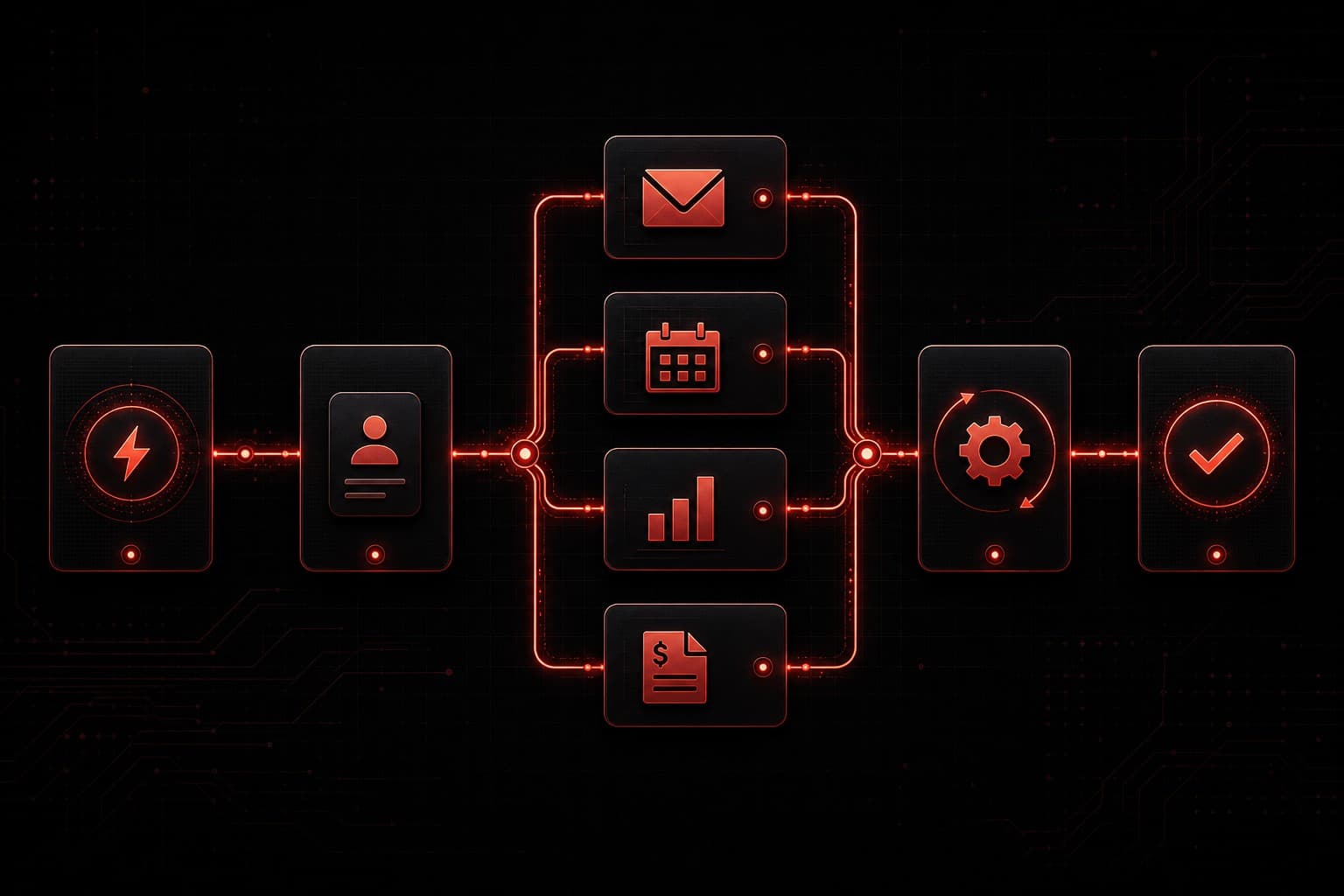
You know you should be automating more. Every productivity article, every business podcast, every LinkedIn post tells you the same thing: automate or fall behind.
But here's the problem nobody talks about — most businesses automate the wrong things first.
They buy a fancy tool, connect two apps, automate something that saves three minutes a day, and then wonder why nothing really changed. Meanwhile, the processes that are actually bleeding time and money sit untouched because nobody mapped them out.
I've spent 20+ years in digital marketing and the last two years building AI automation systems for small and mid-size businesses. The pattern is always the same: the companies that win at automation don't start with the tools. They start with the problems.
This guide walks you through exactly where to start, what to automate first, and how to build a system that actually gives you hours back every week.
Quick Summary
- Start with an audit — document every repetitive task before buying any tool
- Automate high-frequency, low-judgment tasks first — data entry, follow-ups, scheduling, and reporting
- The best ROI comes from lead response speed — automating your first-touch follow-up can 4× your booking rate
- You don't need to code — platforms like GoHighLevel, Make.com, and n8n handle most business automations visually
- Measure before and after — track hours saved, not just "tasks automated"
Why Most Business Automation Fails
Let's get the uncomfortable truth out of the way: most automation projects fail not because the technology doesn't work, but because the strategy is backwards.
Here's what I see constantly:
- Tool-first thinking — buying Zapier or HubSpot before mapping out what actually needs automating
- Automating broken processes — if your lead follow-up process is a mess, automating it just creates a faster mess
- No measurement baseline — you can't prove ROI if you never tracked how long things took manually
- Over-engineering early — trying to build a 47-step workflow on day one instead of starting with three steps that work
The fix is simple: flip the order. Audit first, prioritize second, build third.
Step 1: Audit Your Repetitive Tasks
Before you touch a single tool, spend one week documenting every repetitive task in your business. I mean everything:
- How often does it happen? (daily, weekly, per-lead, per-sale)
- How long does it take? (be honest — include context-switching time)
- Who does it? (you, an employee, nobody because it falls through the cracks)
- What's the cost of not doing it? (lost leads, late invoices, missed follow-ups)
The Four Quadrants of Automation Priority
Once you have your list, sort tasks into four buckets:
| Low Judgment | High Judgment | |
|---|---|---|
| High Frequency | 🟢 Automate first | 🟡 Automate with AI assist |
| Low Frequency | 🔵 Automate when convenient | 🔴 Keep manual (for now) |
Green quadrant tasks are your gold mine. These are the things that happen constantly, require almost no decision-making, and eat hours every week. Think: sending appointment confirmations, updating spreadsheets, moving data between apps.
If you want a deeper look at how AI fits into this framework, check out our guide on AI automation for small business — it covers specific use cases where AI judgment replaces manual review.
Step 2: The Five Processes to Automate First
After auditing hundreds of small businesses, I've found the same five processes show up in the green quadrant almost every time.
1. Lead Response and Follow-Up
This is the single highest-ROI automation for most businesses. Here's why:
- The average business takes 47 hours to respond to a new lead
- Leads contacted within 5 minutes are 21× more likely to convert
- Most leads go to whoever responds first — not whoever is best
What to automate:
- Instant text/email confirmation when a form is submitted
- Automated follow-up sequence (day 1, day 3, day 7)
- Lead routing to the right salesperson based on criteria
- Missed-call text-back ("Sorry I missed you — when's a good time?")
A platform like GoHighLevel handles all of this natively — forms, SMS, email sequences, pipeline management, and missed-call text-back in one system. If you're evaluating platforms, our GoHighLevel review breaks down every feature.
2. Appointment Scheduling and Reminders
If you or your team spend any time going back and forth on scheduling, that's pure waste. Automate:
- Self-service booking — let clients pick a time from your live calendar
- Confirmation emails/texts — sent instantly on booking
- Reminder sequences — 24 hours before, 1 hour before
- No-show follow-up — automatic rebooking message if they miss it
The data from our clients: automated reminders reduce no-shows by 35-50%. That's revenue you're literally leaving on the table.
3. Data Entry and CRM Updates
Every minute spent copying data from one system to another is a minute wasted. Common culprits:
- Copying form submissions into your CRM
- Updating spreadsheets with order information
- Logging call notes after every conversation
- Moving deals between pipeline stages manually
Tools like Make.com and n8n excel here — they watch for triggers in one app and push data to another automatically. No copying, no pasting, no forgetting.
4. Reporting and Dashboards
If someone on your team spends Friday afternoon pulling numbers from five different platforms to build a weekly report, that's a perfect automation candidate.
Automate:
- Pull metrics from Google Ads, Analytics, CRM, and social platforms
- Compile into a formatted report or dashboard
- Send via email or Slack every Monday morning
- Flag anomalies (spend over budget, leads below threshold)
I've seen businesses save 4-6 hours per week just by automating their reporting. The reports are more accurate too — no manual copy errors.
5. Invoice and Payment Follow-Up
Late payments kill cash flow. Automated payment workflows fix this:
- Send invoices automatically when a project milestone is hit
- Payment reminders at 3, 7, and 14 days past due
- Escalation notifications to you when payments are 30+ days late
- Thank-you messages when payment is received
This isn't glamorous, but it directly impacts your bottom line.
Step 3: Choose the Right Automation Stack
You don't need ten tools. You need the right two or three, working together. Here's how I think about the stack:
For All-in-One (CRM + Marketing + Automation)
GoHighLevel is the strongest option for service businesses and agencies. It combines CRM, email, SMS, funnels, scheduling, reputation management, and workflow automation in one platform. If you're currently paying for 4-5 separate tools, GHL likely replaces all of them.
Not sure if it's right for you? Read our GoHighLevel pricing breakdown or see how it compares to HubSpot and Salesforce.
Affiliate disclosure: Some links in this post are affiliate links. I recommend GoHighLevel because I use it — not because I get paid to. The recommendation would be the same either way.
For Custom Workflow Automation
If you need to connect apps that don't natively integrate, you need a workflow automation platform:
- Make.com — visual workflow builder, great balance of power and ease of use
- n8n — open-source, self-hostable, no per-task pricing
- Zapier — easiest to learn, most integrations, but gets expensive fast
For a detailed comparison, check our n8n vs Zapier and Make vs Zapier breakdowns.
For AI-Powered Automation
When your automation needs judgment — classifying support tickets, summarizing meeting notes, drafting personalized responses — you need AI in the loop. Our guide on what AGI means for business covers where this technology is heading, but today's practical options include:
- ChatGPT or Claude integrated into your workflows via API
- GoHighLevel's built-in AI agents for conversational lead qualification
- n8n AI agent workflows for custom AI-powered processes
Step 4: Build Your First Automation (The Right Way)
Don't try to automate everything at once. Here's the proven sequence:
Week 1: Pick One Green-Quadrant Process
Choose the single highest-impact task from your audit. For most businesses, this is lead follow-up.
Week 2: Map the Current Process
Document exactly what happens today, step by step. Every click, every copy-paste, every decision point. This becomes your automation blueprint.
Week 3: Build and Test
Build the automation in your chosen tool. Test with fake data first. Then test with real data on a small scale. Watch for edge cases.
Week 4: Measure and Optimize
Compare your baseline metrics (from the audit) to the automated results. How many hours did you save? How many leads got faster responses? What broke?
Then pick the next process and repeat.
Common Mistakes to Avoid
After building automation systems for dozens of businesses, here are the traps I see most often:
Don't automate a broken process. If your follow-up emails are terrible, sending them faster won't help. Fix the content first, then automate delivery.
Don't skip the human checkpoint. Some automations should have a "review before send" step — especially anything customer-facing that involves personalization or sensitive information.
Don't forget to maintain. Automations aren't set-and-forget. APIs change, tools update, business processes evolve. Schedule a monthly review of all active automations.
Don't confuse activity with results. "We automated 50 tasks" means nothing if it didn't save meaningful time or increase revenue. Measure outcomes, not volume.
How Much Time Can You Actually Save?
Based on the businesses I've worked with, here are realistic numbers:
| Process | Manual Time/Week | Automated Time/Week | Weekly Savings |
|---|---|---|---|
| Lead follow-up | 5-8 hours | 30 minutes (review) | 4.5-7.5 hours |
| Scheduling | 3-5 hours | 15 minutes | 2.75-4.75 hours |
| Data entry | 4-6 hours | 0 (fully automated) | 4-6 hours |
| Reporting | 3-5 hours | 0 (fully automated) | 3-5 hours |
| Invoice follow-up | 2-3 hours | 15 minutes | 1.75-2.75 hours |
| Total | 17-27 hours | 1 hour | 16-26 hours |
That's 16-26 hours per week — the equivalent of hiring a part-time employee, except the automation never calls in sick.
FAQs
How much does business automation cost?
It depends on your stack, but most small businesses can get started for $97-$297/month. GoHighLevel starts at $97/month and replaces multiple tools. Make.com has a free tier. n8n is free if you self-host. The real cost is the time to set it up — which is why many businesses hire an automation specialist for the initial build.
Do I need technical skills to automate my business?
No. Modern automation platforms are visual — you drag, drop, and connect. GoHighLevel, Make.com, and Zapier all work without code. n8n is slightly more technical but still visual. You only need a developer if you're building custom AI agents or complex API integrations.
What should I automate first?
Lead follow-up. It has the highest ROI for almost every business. Responding to leads within 5 minutes instead of 5 hours can dramatically increase your conversion rate. Start there, prove the value, then expand to scheduling, data entry, and reporting.
How long does it take to see results from automation?
Most businesses see measurable time savings within the first week of launching their first automation. ROI compounds as you add more workflows — by month three, you should have a clear picture of hours saved and revenue impact.
Can automation replace my employees?
Automation replaces tasks, not people. The goal is to free your team from repetitive work so they can focus on high-value activities — closing deals, building relationships, solving complex problems. The best-run businesses use automation to make their existing team more effective, not smaller.
Ready to Automate Your Business?
If you're spending 20+ hours a week on tasks that could run themselves, it's time to do something about it. Here's how to start:
- Run the audit — spend one week documenting your repetitive tasks
- Pick one process — start with lead follow-up or scheduling
- Choose your tool — GoHighLevel for all-in-one, Make.com or n8n for custom workflows
- Build, test, measure — prove the ROI before expanding
Want help figuring out what to automate first? Book a free strategy session and I'll map out your highest-impact automation opportunities in 30 minutes.