
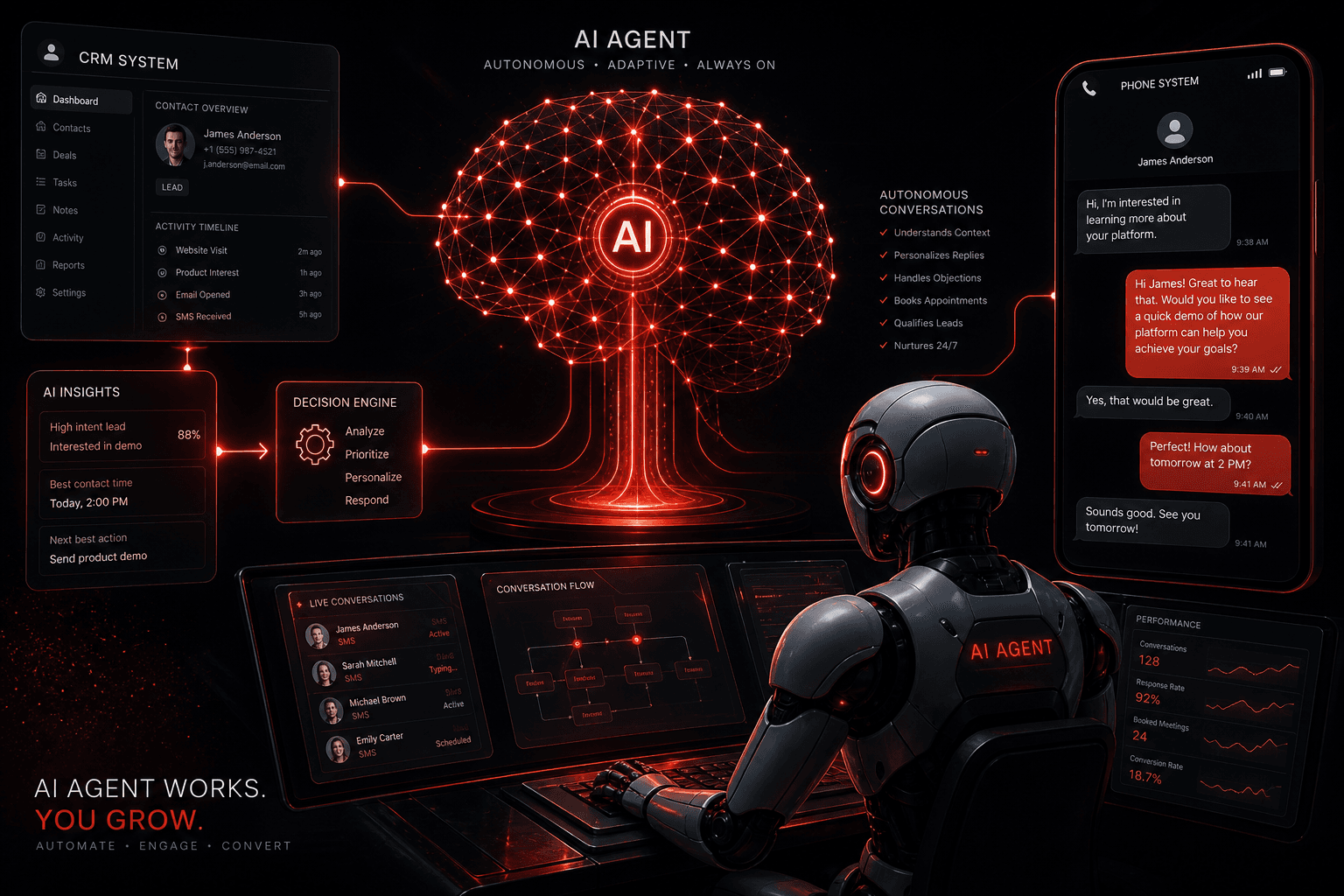
GoHighLevel is excellent at managing contacts, sending messages, and tracking pipelines. What it can't do natively — at least not at the level of a truly intelligent system — is hold a real conversation, make nuanced qualification decisions, and dynamically adapt its responses based on what a lead actually says.
That's where AI agents come in.
The combination of GHL's communication infrastructure with an AI agent layer is one of the most powerful setups I'm building for clients right now. GHL handles the CRM, the messaging channels, and the pipeline. The AI handles the thinking — qualification, conversation, decision-making.
The result is a system where a lead submits a form, has a qualification conversation, and gets booked into a calendar — with zero human involvement until the appointment is confirmed.
Try GoHighLevel free for 14 days →
What GHL Does Well (and Where It Ends)
GoHighLevel's native AI features — the AI Conversation Bot, workflow AI actions, and content tools — are genuinely useful for basic use cases:
- AI Conversation Bot: Can handle simple inbound SMS conversations, answer FAQs, and trigger bookings based on keyword detection
- Workflow AI Actions: Can generate content, summarize, or classify as steps within an automation
- AI Employee feature: A step further — handles conversations across SMS, chat widget, and phone
These are valuable. But they're limited when the conversation requires:
- Nuanced judgment about fit or qualification criteria
- Dynamic responses that aren't template-driven
- Complex multi-turn conversations with branching logic
- Integration with external data sources (CRM history, product catalog, pricing logic)
- Reasoning about what the lead actually needs vs. what they said
For those use cases, you need a proper AI agent — and GHL becomes the orchestration layer it connects to.
The Architecture: GHL + AI Agent
Here's the model that works for most businesses:
Lead fills form on website
        ↓
GHL receives form → creates contact → fires trigger
        ↓
Webhook fires to AI agent (n8n / Make / custom)
        ↓
AI agent sends first message via GHL SMS API
        ↓
Lead replies → GHL routes inbound SMS → webhook fires again
        ↓
AI agent processes response, decides next action:
  → Ask follow-up question
  → Book appointment via GHL calendar API
  → Flag for human follow-up
  → Disqualify and close gracefully
        ↓
GHL CRM updated with qualification data, tags, pipeline stage
        ↓
Human team member enters only when appointment is confirmed
GHL is doing what it's good at: receiving and routing messages, storing contact data, managing the calendar. The AI agent is doing what it's good at: reasoning, conversing, deciding.
Building the Integration
Option 1: Using n8n or Make.com
For most setups, I use n8n or Make.com as the orchestration layer between GHL and an LLM (Claude, GPT-4, or Gemini).
GHL → AI flow:
- Set up a GHL webhook trigger — fires on inbound SMS or on form submission
- Webhook sends the message content and contact data to an n8n or Make workflow
- The workflow calls the LLM API with the conversation history + a system prompt defining the agent's role, qualification criteria, and decision rules
- LLM response is parsed — the workflow determines the action (reply, book, tag, escalate)
- For replies: POST to GHL's conversations API to send the outbound SMS
- For bookings: POST to GHL's appointments API to create the calendar entry
- For tags/pipeline updates: POST to GHL's contacts API
The system prompt is everything. This is where you define:
- What the business does and the agent's persona
- Qualification criteria (what makes a good lead vs. a poor fit)
- What information to collect during the conversation
- When to offer a booking vs. when to refer out
- Tone and communication style
Option 2: Using GHL's Custom Webhook Action
GHL workflows support a "Custom Webhook" action step. This lets you fire a webhook from within a GHL automation — meaning GHL handles the trigger logic and you write the AI layer externally.
Workflow:
Trigger: Inbound SMS
→ GHL checks: is this a new lead? (tag check)
→ If yes: fire webhook to AI agent
→ AI agent sends reply via GHL API
→ Conversation loop continues via webhook on each new inbound message
Option 3: Hermes or Custom Agent Framework
For more sophisticated setups — multiple concurrent conversations, complex qualification trees, integration with multiple data sources — a custom agent framework like Hermes gives you full control over the agent's behavior, memory, and decision logic.
With a custom agent, you can:
- Maintain conversation memory across sessions (useful for multi-day nurture conversations)
- Access external data sources (product catalog, pricing, scheduling availability in real time)
- Run multiple sub-agents (a qualifier, a scheduler, a closer) in sequence
- Integrate voice via ElevenLabs for phone-based qualification (more on this below)
GHL + AI Agent + Voice: The Full Stack
The most complete version of this setup adds a voice layer:
- Lead submits form → GHL creates contact
- AI agent sends SMS and offers two paths: text conversation or a quick phone call
- If lead chooses phone: AI agent triggers an outbound call via Vapi or Bland.ai — an AI voice agent (ElevenLabs voice) handles the qualification call
- After call: Qualification data is written back to GHL, appointment booked if qualified, human notified if escalation needed
- Post-call: GHL sends confirmation SMS and appointment reminders
The result is a system that covers every lead channel — web form, SMS, and phone — with AI handling the initial touchpoints and routing to humans only when necessary.
This kind of setup typically takes 2–3 weeks to build and dial in, but once it's running, it operates 24/7 without staff involvement.
What Businesses Should Use This?
Not every business needs an AI + GHL integration. The standard GHL automations (see the workflow guide) are the right starting point and cover most local business needs.
AI agent layer makes sense when:
- Lead volume is high enough that human qualification is a bottleneck (50+ leads/month)
- Qualification requires a real conversation, not just a form capture
- After-hours lead response is a competitive differentiator in your market
- You want to scale without proportionally scaling staff
- You're an agency looking to offer a premium automation tier to clients
Standard GHL automations are enough when:
- Lead volume is low to moderate (under 50/month)
- Your product/service is straightforward — little qualification needed
- You have staff capacity for follow-up and just need reminders and templates
The AI Tools I Use in These Builds
- GoHighLevel — CRM, messaging infrastructure, pipeline, calendar (free trial here)
- n8n or Make.com — Workflow orchestration between GHL and the AI layer
- Claude (Anthropic) or GPT-4o — LLM for conversation and reasoning
- ElevenLabs — Voice synthesis for phone-based AI agents
- Vapi or Bland.ai — AI phone call infrastructure
- Hermes — Custom agent framework for complex multi-agent builds
Getting Started
If you're new to GHL, start with the platform itself first. The standard automations are high-value and don't require any AI integration to work well.
Start your GoHighLevel free trial →
If you're already using GHL and want to explore adding an AI agent layer, book a strategy call. This is the work I do at Automation Warrior — building AI systems that operate autonomously so your team can focus on delivery, not follow-up.
Related: AI Agents vs Traditional Automation | GoHighLevel Automation Workflows | GoHighLevel for Agencies