
If you've heard people raving about n8n but aren't sure what it actually is — or whether it's worth your time — you're in the right place.
n8n (pronounced "nodemation") is an open-source workflow automation platform that lets you connect apps, automate repetitive tasks, and build complex multi-step workflows — including AI agent pipelines — without writing much code. Think Zapier or Make.com, but with the freedom to self-host, customize, and scale without per-task pricing eating into your margins.
I've built dozens of automation workflows across platforms like Make.com, Zapier, and n8n. In this guide, I'll break down exactly what n8n is, how it works, who it's best for, and where it falls short.
Quick Summary
- n8n is a free, open-source workflow automation tool you can self-host or use in the cloud
- It connects 400+ apps through a visual node-based editor — no coding required for most workflows
- Unlike Zapier or Make, n8n charges per workflow execution, not per step — saving money on complex automations
- It's one of the best platforms for building AI agent workflows with native LLM support
- Best for: developers, agencies, AI builders, and anyone who wants full control over their automations
How n8n Works: The Node-Based Visual Editor
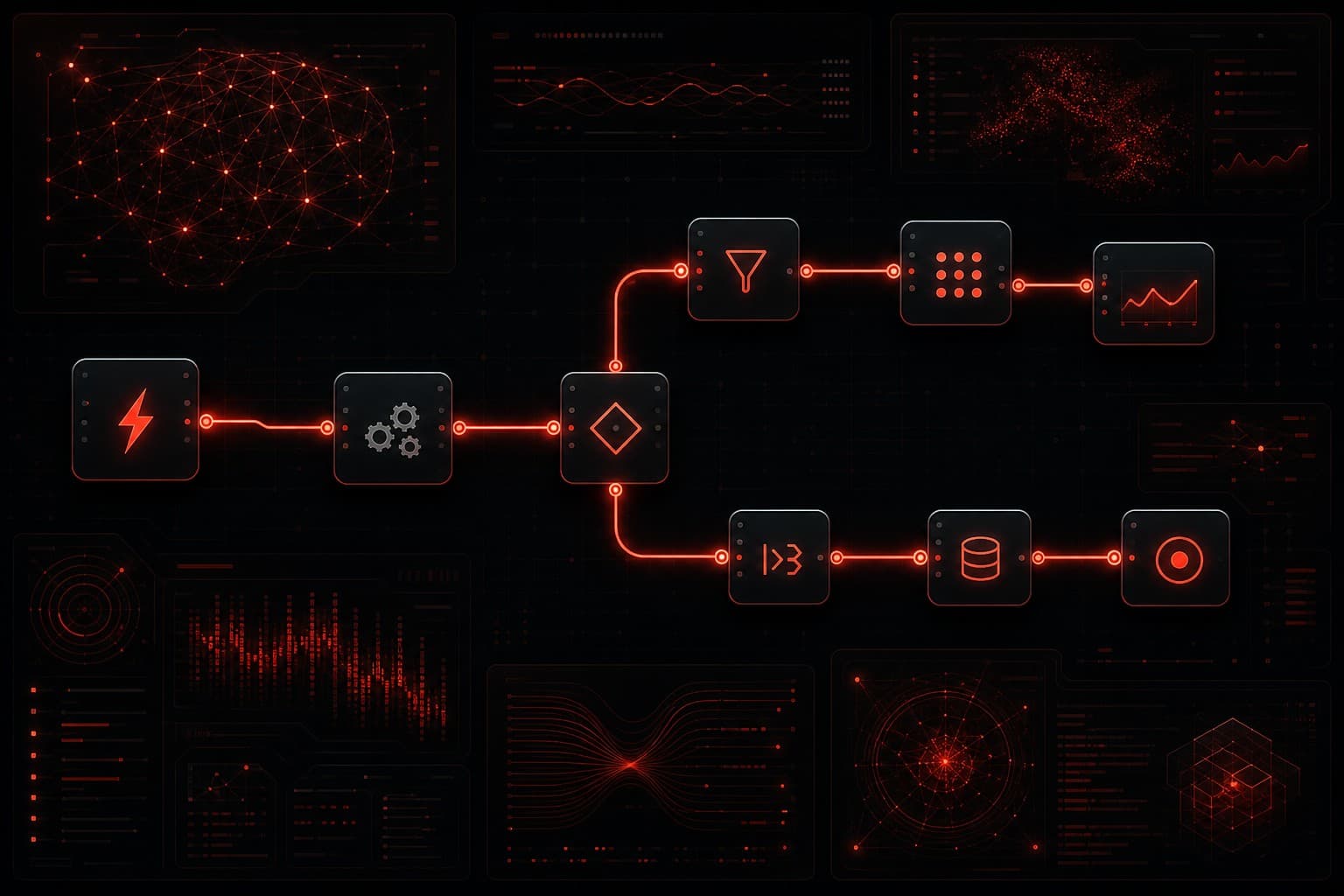
At its core, n8n is a visual workflow builder. You create automations by dragging nodes onto a canvas and connecting them together. Each node represents either a trigger (something that starts the workflow) or an action (something the workflow does).
Here's a simple example: a new lead fills out a form on your website → n8n catches the webhook → enriches the lead data via an API call → adds them to your CRM → sends a Slack notification to your sales team → triggers a follow-up email sequence. That entire chain runs automatically, every time.
Key Concepts
- Nodes — the building blocks. Each node connects to a service (Gmail, Slack, HubSpot, HTTP request, etc.) or performs a logic operation (if/then, merge, split, loop).
- Workflows — a connected set of nodes that runs as a unit. You can have dozens or hundreds of workflows running simultaneously.
- Triggers — the starting point: a webhook, a scheduled timer, a new row in Google Sheets, or hundreds of other events.
- Expressions — dynamic values you can inject anywhere using JavaScript-style syntax. Reference data from previous nodes without writing full functions.
- Credentials — n8n stores your API keys and OAuth tokens centrally. Connect once, reuse across all workflows.
The visual canvas makes it easy to understand what's happening at each step — even complex workflows with branching logic, error handling, and parallel paths stay readable.
Self-Hosted vs Cloud: Your Two Options
One of n8n's biggest differentiators is that you can self-host it for free. This is a genuine option, not a crippled free tier.
Self-Hosted (Free)
You install n8n on your own server — a $5–$10/month VPS from DigitalOcean, Hetzner, or Railway is more than enough for most businesses. The open-source version includes every feature. No usage limits, no execution caps, no artificial restrictions.
Self-hosting is ideal if you:
- Want zero per-execution costs regardless of volume
- Need your data to stay on your own infrastructure (compliance, HIPAA, GDPR)
- Have basic technical comfort with Docker or npm
- Run high-volume automations that would cost hundreds on cloud platforms
Cloud (Paid)
n8n also offers a managed cloud version if you'd rather not deal with server maintenance:
| Plan | Price | Executions |
|---|---|---|
| Starter | $20/month | 2,500 |
| Pro | $50/month | 10,000 |
| Enterprise | Custom | Unlimited |
Even the cloud pricing is competitive. n8n charges per workflow execution — meaning one workflow run counts as one execution, regardless of whether it has 5 nodes or 50. Compare that to Make.com (which charges per operation) or Zapier (which charges per task), and complex workflows cost dramatically less on n8n.
I covered this pricing difference in depth in my n8n vs Make comparison — it's one of the biggest reasons teams switch.
What Makes n8n Different from Zapier and Make
There are dozens of automation platforms. Here's what genuinely sets n8n apart.
1. Open Source and Self-Hostable
This isn't just a philosophical distinction — it has real business implications. Self-hosting means your data never leaves your servers. You have full control over uptime, security, and scaling. And you can modify the source code if you need custom behavior.
No other mainstream automation platform offers this. Zapier, Make, and Workato are all closed-source SaaS products.
2. Execution-Based Pricing (Not Per-Step)
On Zapier, a 10-step workflow costs you 10 tasks every time it runs. On Make, a 10-step workflow costs 10 operations. On n8n, that same workflow costs 1 execution. For complex automations, this difference adds up fast.
I've seen agencies save 60–70% by migrating complex workflows from Zapier to n8n — the math just works differently when you're not paying per node.
3. Code When You Need It
n8n lets you write JavaScript or Python directly inside workflows via Code nodes and Function nodes. This is a game-changer for anyone who needs to transform data, call custom APIs, or implement logic that visual builders can't handle cleanly.
You're not forced to code — the visual builder handles 90% of use cases. But when you need that last 10%, n8n doesn't lock you out.
4. Native AI and LLM Support
This is where n8n has pulled ahead in 2026. The platform has first-class support for building AI agent workflows — you can connect to OpenAI, Claude, local models, vector databases, and build autonomous agent chains directly in the visual editor.
I wrote a detailed walkthrough of connecting ChatGPT to n8n that shows how this works in practice. It's one of the smoothest AI integrations I've used on any automation platform.
5. 400+ Integrations (and Growing)
n8n supports 400+ built-in integrations. That's less than Make's 1,800+, but n8n covers all the major platforms (Google Workspace, Slack, HubSpot, Airtable, PostgreSQL, HTTP/webhook, etc.) and lets you connect to anything else via HTTP Request or custom nodes.
For most businesses, the integration library is more than sufficient. If you need a niche app that only Make supports, that's worth considering — but in practice, HTTP webhooks fill most gaps.
Who Should Use n8n?
n8n isn't for everyone. Here's who gets the most value.
Agencies and Consultants
If you build automations for clients, n8n's self-hosted model means you can run unlimited workflows without worrying about per-client costs eating your margins. One server, unlimited clients, unlimited executions. Compare that to paying $20/client/month on Zapier's team plan.
Developers and Technical Teams
n8n's code-friendly approach — JavaScript/Python nodes, expressions, custom nodes, API-first architecture — makes it a natural fit for teams that want visual orchestration with the power to drop into code when needed.
AI Builders
n8n has become one of the go-to platforms for building AI agent workflows. The combination of visual workflow design, native LLM nodes, and the ability to self-host (keeping sensitive AI operations on your own infrastructure) is compelling. If you're building anything with AI agents, n8n should be on your shortlist.
Budget-Conscious Businesses
If you're running 50+ automations and your Zapier bill is climbing past $200/month, self-hosted n8n can drop that to $10/month in server costs. The migration takes work, but the ongoing savings are significant.
Where n8n Falls Short
No tool is perfect. Here's where n8n has genuine weaknesses.
Steeper Learning Curve
n8n is more powerful than Zapier, and that power comes with complexity. The interface isn't as immediately intuitive as Make's drag-and-drop builder. Non-technical users may struggle with expressions, error handling, and debugging.
If your team isn't comfortable with basic technical concepts (APIs, JSON, webhooks), the onboarding period will be longer than with Zapier.
Smaller Integration Library
400+ integrations vs Make's 1,800+ is a real gap. If you rely on niche industry-specific tools, verify that n8n has a native integration — or be prepared to use HTTP Request nodes with custom API calls.
Self-Hosting Requires Maintenance
Self-hosting is powerful, but it's not "set and forget." You'll need to handle updates, backups, SSL certificates, and occasional troubleshooting. For a single-person business without technical skills, the managed cloud plan or a platform like Zapier might be more practical.
Community vs Enterprise Support
The open-source community is active and helpful, but if you need guaranteed SLA support, you'll need the Enterprise plan. Smaller teams are relying on community forums, GitHub issues, and documentation — which are solid but not the same as a dedicated support team.
n8n vs the Competition: Quick Comparison
| Feature | n8n | Zapier | Make.com |
|---|---|---|---|
| Open source | ✅ Yes | ❌ No | ❌ No |
| Self-hosting | ✅ Free | ❌ No | ❌ No |
| Pricing model | Per execution | Per task | Per operation |
| AI/LLM nodes | ✅ Native | ⚠️ Basic | ⚠️ Growing |
| Code support | ✅ JS + Python | ❌ Limited | ⚠️ Limited |
| Integrations | 400+ | 7,000+ | 1,800+ |
| Visual builder | ✅ Yes | ✅ Yes | ✅ Yes |
| Best for | Devs, agencies, AI | Non-technical, breadth | Visual builders, mid-tier |
For a deeper dive on the Zapier comparison, check my n8n vs Zapier breakdown.
Getting Started with n8n
The fastest way to try n8n is the cloud version — sign up at n8n.io and you'll have a working instance in minutes. No credit card required for the trial.
If you want to self-host:
- Easiest path: Use Railway or Render — one-click deploy templates get you running in under 5 minutes
- VPS path: Spin up a $5/month DigitalOcean droplet, install Docker, and run
docker run -it --rm -p 5678:5678 n8nio/n8n - Local testing: Run
npx n8non your machine to experiment before committing to a server
Once you're in, start with a simple workflow — something like "new Google Form submission → add row to Google Sheet → send Slack notification." Get comfortable with the node canvas, then work your way up to more complex automations.
Frequently Asked Questions
Is n8n really free?
Yes — the self-hosted open-source version is genuinely free with no feature limitations. The cloud-hosted version starts at $20/month. There's no hidden catch to the free self-hosted option; the business model is that enterprise customers and cloud users fund the open-source development.
Can I use n8n without coding?
Absolutely. The visual node editor handles the vast majority of automation use cases without writing a single line of code. Code nodes are available when you need them, but they're entirely optional. Most workflows are built purely through the drag-and-drop interface.
Is n8n secure enough for business use?
Yes. Self-hosted n8n runs entirely on your infrastructure — your data never touches third-party servers. The cloud version uses encryption in transit and at rest. n8n also supports role-based access control, SSO, and audit logging on enterprise plans. For regulated industries (healthcare, finance, legal), self-hosting gives you complete data sovereignty.
How does n8n compare to Zapier for beginners?
Zapier is easier for absolute beginners — it has a simpler interface and more hand-holding. n8n has a steeper initial learning curve but offers significantly more power and flexibility once you're past the basics. If you plan to build complex multi-step automations or AI workflows, the investment in learning n8n pays off quickly.
Can n8n handle enterprise-scale workloads?
Yes. n8n supports horizontal scaling with queue mode, where multiple worker instances process executions in parallel. Many organizations run millions of executions per month on self-hosted n8n. The Enterprise plan adds dedicated support, SSO, and advanced permissions for larger teams.
The Bottom Line
n8n is the most capable open-source automation platform available in 2026. It gives you the visual workflow building that made Zapier popular, the flexibility that developers need, and the AI-native capabilities that modern businesses demand — all without locking you into per-step pricing or closed-source infrastructure.
It's not the easiest tool to learn, and it's not right for everyone. But if you want full control over your automations, need to build AI-powered workflows, or simply refuse to pay escalating SaaS fees for basic task automation — n8n is worth your serious attention.
Want help building automation workflows for your business? Whether it's n8n, GoHighLevel, or a custom AI agent stack — book a free strategy session and let's map out what makes sense for your specific situation.