
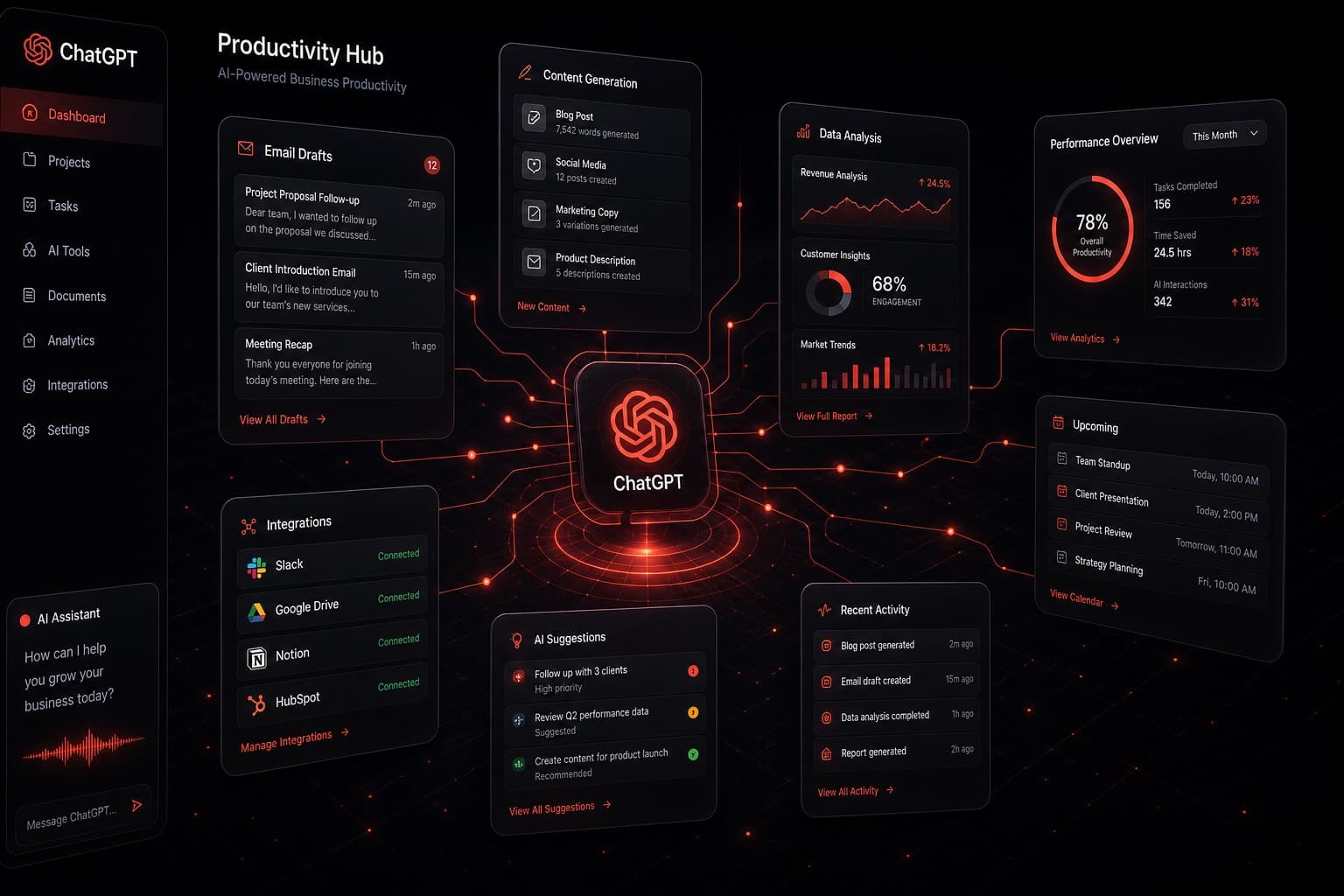
Most business owners have tried ChatGPT at least once. Maybe you asked it to write a birthday message or summarize an article. But treating it like a novelty search engine means you are leaving real productivity gains on the table.
After spending 20-plus years in digital marketing — including seven years on the Google Search team — I have tested nearly every AI tool on the market. ChatGPT remains one of the most versatile tools available for everyday business operations when you know how to use it properly.
Here are 20 ways real businesses are using ChatGPT right now to save hours every single week.
Quick Summary
- ChatGPT can handle everything from email drafting to financial analysis
- The biggest time savings come from repeatable, template-driven tasks
- Pair ChatGPT with automation platforms like GoHighLevel or Make.com for hands-free workflows
- You do not need technical skills to start — just clear prompts and a willingness to iterate
- Most businesses can save 5–10 hours per week within the first month
1. Draft and Polish Emails in Seconds
Writing professional emails eats up more time than most people realize. ChatGPT can draft cold outreach, client follow-ups, support replies, and internal updates in seconds. Give it the context — who you are writing to, what you need to say, and the tone — and it produces a clean first draft you can send after a quick review.
The real trick is saving your best prompts. Build a small library of email templates with placeholders, and you turn a 15-minute task into a 2-minute task every time.
2. Summarize Long Documents and Reports
Drop a 30-page PDF, quarterly report, or legal document into ChatGPT and ask for a summary. You get the key points in bullet form within seconds. This is especially useful for team leads who need to brief their staff without reading every word of every report.
3. Generate Social Media Content in Batches
Instead of staring at a blank screen every morning, give ChatGPT your brand voice guidelines, a list of topics, and a posting schedule. It will generate a full week of social media posts in one sitting. You still review and adjust, but the creative heavy lifting is done.
For agencies managing multiple clients, this alone can save 10 or more hours per week. If you are running client campaigns through GoHighLevel, you can pipe this content directly into scheduled social posts.
4. Write Job Descriptions and Interview Questions
Hiring is time-consuming. ChatGPT can draft job descriptions tailored to your industry, generate behavioral interview questions, and even create scoring rubrics for candidate evaluation. What used to take an HR manager half a day now takes 20 minutes.
5. Build Standard Operating Procedures
Every growing business needs SOPs. ChatGPT can take your rough process notes — or even a voice transcript — and turn them into clean, step-by-step procedures. Add headers, numbered lists, and decision trees automatically. This is one of the highest-ROI uses I recommend to every client.
6. Create Customer-Facing FAQ Pages
Feed ChatGPT your most common support tickets or customer questions and it will generate a polished FAQ page. Include follow-up questions, clear answers, and even schema markup suggestions for SEO. A well-built FAQ page reduces support tickets and improves your search visibility at the same time.
7. Analyze Competitor Content
Paste a competitor's landing page, blog post, or ad copy into ChatGPT and ask it to identify the key messaging angles, unique selling propositions, and gaps. This is not about copying — it is about understanding what the market is saying so you can position yourself differently.
8. Generate Meeting Agendas and Follow-Up Notes
Before a meeting, give ChatGPT the topic and attendees. It will draft an agenda with time blocks. After the meeting, paste your rough notes and it will produce clean follow-up action items with owners and deadlines. This keeps meetings productive and accountable.
9. Write Blog Posts and Long-Form Content
This is the obvious one, but it deserves a spot. ChatGPT can draft blog posts, case studies, whitepapers, and newsletters. The key is providing strong outlines and specific instructions rather than just saying "write me a blog post about X." The more context you give, the better the output.
If you want to understand how AI content fits into a broader automation strategy, check out our guide on what AGI means for business — it provides context on where these tools are heading.
10. Translate Content for Multilingual Markets
ChatGPT handles translations across dozens of languages. While it is not a replacement for certified legal or medical translation, it works well for marketing materials, internal communications, and customer support scripts. For businesses expanding into new markets, this eliminates the delay of waiting for a translation service.
11. Build Spreadsheet Formulas and Scripts
Tell ChatGPT what calculation you need in plain English and it will write the Excel formula, Google Sheets function, or even a Google Apps Script. No more searching Stack Overflow for VLOOKUP syntax. This is a daily time-saver for anyone who works with data.
12. Draft Proposals and Sales Decks
Give ChatGPT your service offerings, pricing, and the prospect's industry. It will generate a proposal outline or sales deck script that you can drop into your template. Personalizing proposals used to take hours — now the first draft takes minutes.
13. Create Training Materials for New Hires
Onboarding documentation is one of those things every company knows they need but never has time to build. ChatGPT can generate role-specific training guides, quizzes, and checklists based on your existing processes. Combine this with an automation workflow and you can trigger the right training materials automatically when someone joins.
14. Generate Product Descriptions at Scale
E-commerce businesses with hundreds or thousands of SKUs know the pain of writing unique product descriptions. ChatGPT can generate them from a spreadsheet of product specs. Feed it your brand voice and a few examples, and it will maintain consistency across the entire catalog.
15. Research Industry Trends and Market Data
Ask ChatGPT to summarize recent trends in your industry, identify emerging competitors, or explain regulatory changes. While you should always verify specifics with primary sources, it gives you a solid starting point that saves hours of initial research.
16. Improve Customer Support Responses
Build a library of support response templates with ChatGPT. Give it your most common issues and your brand's tone of voice, and it will generate empathetic, clear responses for each scenario. Your support team spends less time crafting replies and more time actually solving problems.
For businesses using GoHighLevel's automation features, you can integrate AI-generated responses directly into your CRM workflows for faster ticket resolution.
17. Plan and Outline Marketing Campaigns
Describe your product launch, seasonal promotion, or lead generation goal, and ChatGPT will outline a full campaign — channels, messaging, timeline, and KPIs. It will not replace a seasoned marketing strategist, but it gives you a framework to build on instead of starting from zero.
18. Write Legal and Policy Documents (First Drafts)
Privacy policies, terms of service, refund policies, employee handbooks — ChatGPT can draft all of these. Always have a lawyer review the final version, but starting with a solid AI draft cuts legal costs significantly because your attorney is reviewing and refining rather than writing from scratch.
19. Automate Data Entry and Formatting
When paired with tools like Make.com or n8n, ChatGPT can process unstructured data — emails, PDFs, form submissions — and extract the key fields into structured formats. This eliminates manual data entry for CRM updates, invoice processing, and lead qualification.
20. Build Custom GPTs for Your Team
OpenAI's Custom GPTs let you create purpose-built assistants pre-loaded with your company's context, instructions, and data. Build one for sales call prep, another for content writing, and a third for customer support. Each team member gets an AI assistant that already knows your business — no prompt engineering required.
How to Get the Most Out of ChatGPT for Business
The businesses that see the biggest returns from ChatGPT share a few habits:
Start with repeatable tasks. If you do it more than twice a week and it follows a pattern, ChatGPT can probably help. Email drafting, report summaries, and content creation are the low-hanging fruit.
Save your best prompts. Build a shared prompt library your team can use. This ensures consistency and saves everyone the learning curve.
Pair it with automation. ChatGPT on its own is powerful. ChatGPT connected to your CRM, email platform, and project management tools through automation platforms is transformational. That is the difference between saving 2 hours a week and saving 10.
Review everything before it goes out. AI is a drafting tool, not a publishing tool. Human review catches tone issues, factual errors, and brand inconsistencies that AI misses.
Frequently Asked Questions
Is ChatGPT safe to use with sensitive business data?
OpenAI offers a Business and Enterprise tier with data privacy protections, including no training on your data. For sensitive information, use the API with appropriate data handling policies rather than the free consumer tier. Always check your compliance requirements before uploading confidential documents.
How much does ChatGPT cost for business use?
ChatGPT Plus costs $20 per month per user. The Team plan is $25 per user per month with admin controls and a higher usage cap. Enterprise pricing is custom. For many businesses, even the Plus plan pays for itself within the first week based on time saved.
Can ChatGPT replace my marketing team?
No — and it should not. ChatGPT is a force multiplier, not a replacement. It handles the repetitive drafting and research work so your team can focus on strategy, creativity, and relationship building. The businesses getting the best results are the ones using AI to make their existing team faster, not smaller.
What is the biggest mistake businesses make with ChatGPT?
Using vague prompts and expecting perfect output. The quality of what you get out is directly proportional to the clarity of what you put in. Specific instructions, context about your audience, and examples of what good looks like will dramatically improve your results.
Start Saving Time This Week
You do not need to implement all 20 of these at once. Pick the three that would save you the most time this week and start there. Most businesses find that email drafting, content creation, and document summarization deliver the fastest ROI.
If you want help building AI workflows that connect ChatGPT to your existing business tools — CRM, email, scheduling, reporting — book a free strategy session with our team. We will map out exactly where AI fits into your operations and what kind of time savings you can realistically expect.