
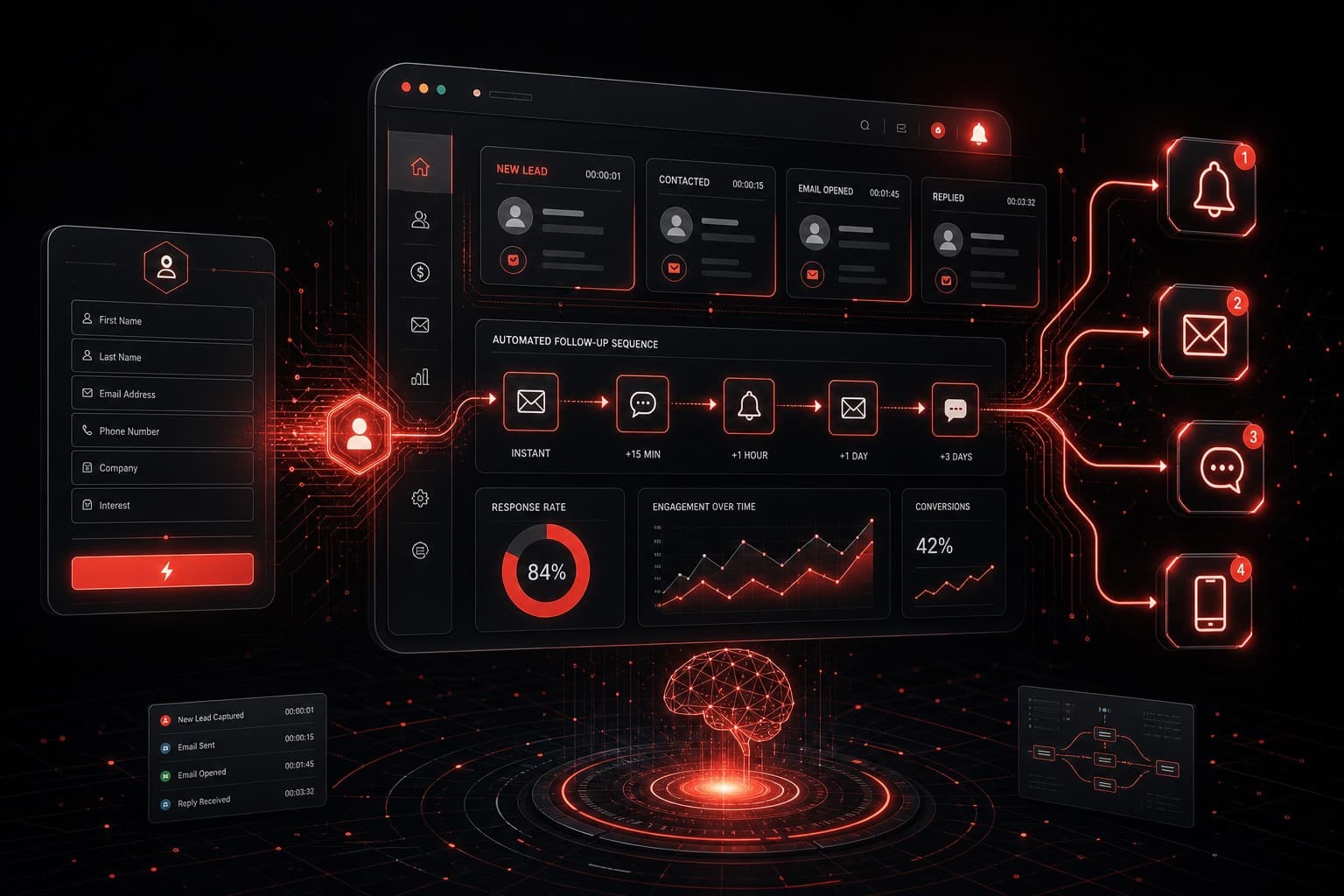
Every lead you don't follow up with in the first five minutes is a lead your competitor is already talking to. That's not a guess — it's backed by research showing that responding within five minutes makes you 21 times more likely to qualify the lead compared to waiting 30 minutes.
Yet the average business takes 47 hours to respond to a new inquiry. Not 47 minutes. Hours.
I've built automated lead follow-up systems for service businesses, agencies, and local operators across Las Vegas and beyond. The pattern is always the same: the businesses that automate their first touch and nurture sequence close more deals with less effort, every single time.
Here's exactly how to build one.
Quick Summary
- An automated lead follow-up system responds to new inquiries within seconds via text and email — no human intervention required
- The core components are instant acknowledgment, a timed nurture sequence, multi-channel delivery, and pipeline tracking
- GoHighLevel is the strongest all-in-one platform for building this system without code
- You can have a working system live in under a day — the hard part is writing the follow-up messages, not the technology
- Expect 2-4× improvement in lead-to-appointment conversion rates within the first month
Why Automated Lead Follow-Up Matters More Than Any Other Automation
If you read our business automation guide, you know that lead follow-up sits in the top-right quadrant: high frequency, high impact. But it deserves its own deep-dive because the numbers are so dramatic.
Consider what happens when a lead fills out your contact form today:
- The form submission hits your inbox
- You see it... eventually (maybe between meetings, maybe tomorrow morning)
- You compose a response, look up context, send a reply
- By the time you respond, the lead has already contacted two competitors, gotten a callback from one, and is halfway to signing with them
An automated system changes the timeline:
- Lead submits the form
- Within 10 seconds: they receive a personalized text and email confirmation
- Within 2 minutes: the lead is routed to the right team member with full context
- Day 1, Day 3, Day 7: automated nurture messages keep you top-of-mind if they haven't booked
- You only step in when the lead is warm, qualified, and ready to talk
That's the difference between chasing leads and catching them.
The Four Components of an Automated Lead Follow-Up System
Every effective system has the same four pieces. Skip one and the whole thing breaks down.
1. Instant Acknowledgment
The moment a lead takes action — form submission, phone call, text message, social media DM — they should get an immediate, personalized response. This isn't a generic "we received your message" autoresponder. It's a message that:
- Addresses them by name
- Confirms what they asked about
- Sets a clear expectation for next steps
- Includes a direct booking link
Example text message:
Hi [First Name], thanks for reaching out about [Service]. I'm Stephen with Automation Warrior — I'll follow up personally within the hour. In the meantime, feel free to grab a time that works for you: [booking link]
This single text message does three things: it proves you're responsive, it sets expectations, and it gives them a way to self-serve. Most of your competitors aren't doing any of these.
2. Multi-Channel Nurture Sequence
Not every lead books on the first touch. Most won't. That's normal — and that's exactly why you need a nurture sequence that keeps your name in front of them without being annoying.
A basic nurture sequence looks like this:
| Day | Channel | Message |
|---|---|---|
| 0 (instant) | SMS + Email | Acknowledgment + booking link |
| 1 | Value-add content related to their inquiry | |
| 3 | SMS | Soft check-in: "Still thinking about [service]?" |
| 7 | Case study or testimonial relevant to their need | |
| 14 | SMS | Final touch: "Just checking — is this still on your radar?" |
The key principle: every message must provide value or ask a simple question. Never send a message that just says "following up" with nothing else. That's spam with a friendly face.
If you're running this in GoHighLevel, you build this as a workflow with wait steps and conditional branches. The platform handles SMS, email, and voicemail drops from a single automation — no need to duct-tape three different tools together. See our GoHighLevel automation workflows guide for the step-by-step setup.
Affiliate disclosure: The GoHighLevel link above is an affiliate link. I recommend it because I build client systems on it daily — the recommendation would be the same without the affiliate relationship.
3. Lead Routing and Assignment
Not every lead should go to the same person. An automated system routes leads based on:
- Service type — roofing inquiries go to the roofing team, HVAC goes to HVAC
- Location — Vegas leads to the Vegas rep, Henderson leads to Henderson
- Lead score — hot leads (requested a quote) get priority over cold inquiries (downloaded a guide)
- Round-robin — distribute evenly across your sales team to prevent bottlenecks
The routing happens automatically in the background. The assigned rep gets a notification with the lead's full context: name, inquiry, source, and every interaction so far.
4. Pipeline Tracking and Escalation
Automation doesn't mean "set and forget." You need visibility into where every lead sits:
- New — just came in, instant acknowledgment sent
- Nurturing — in the automated sequence, hasn't booked yet
- Booked — appointment scheduled, waiting for the meeting
- Closed — won or lost
- Stale — fell out of the sequence without action (trigger a manual follow-up)
The system should escalate stale leads to a human. If someone went through your entire nurture sequence without responding, that's a signal for a personal phone call or a different approach — not another automated text.
Building Your System: Platform Options
You have three realistic options depending on your budget and technical comfort.
Option 1: All-in-One with GoHighLevel (Recommended)
GoHighLevel is purpose-built for this exact workflow. It includes:
- Form and funnel builder (captures the leads)
- SMS and email automation (delivers the follow-up)
- Pipeline management (tracks the leads)
- Calendar booking (converts the leads)
- Missed-call text-back (catches the leads you'd otherwise lose)
You can build a complete automated lead follow-up system inside GHL without writing a single line of code. If you're considering it, start with our GoHighLevel review for a full breakdown of features and pricing.
Option 2: Custom Stack with Make.com or n8n
If you already have a CRM and just need the automation layer, a workflow tool like Make.com or n8n can connect the pieces. This approach works when:
- You're committed to a CRM that lacks built-in automation
- You need to integrate with niche tools specific to your industry
- You want full control over the logic and data flow
The trade-off is complexity. You're managing multiple tools and their connections instead of one platform.
Option 3: Zapier for Simple Setups
Zapier handles basic lead follow-up automations well. For simple "form submission → email notification → CRM entry" workflows, it's the fastest to set up. But it lacks native SMS, doesn't have built-in pipeline management, and gets expensive as your volume grows.
Measuring Success
Don't build this system and forget to measure. Track these four metrics from day one:
- Speed to lead — average time between form submission and first response (target: under 60 seconds)
- Response rate — percentage of leads who reply to at least one follow-up message
- Booking rate — percentage of leads who schedule an appointment
- Close rate — percentage of booked appointments that become customers
Before automation, most businesses I work with have a speed-to-lead measured in hours or days. After automation, it drops to seconds. That single change typically produces a 2-4× improvement in booking rate.
Track these numbers weekly for the first month and monthly after that. If any metric trends down, check your messaging — the technology rarely breaks, but stale follow-up copy loses effectiveness over time.
Common Mistakes That Kill Your Follow-Up System
I've audited dozens of these systems for clients. Here's what goes wrong:
Over-automating the personal touch. Not everything should be automated. When a lead replies with a specific question, a human should answer — not a bot. Use automation for the outreach cadence, but switch to manual as soon as a real conversation starts.
Sending too many messages too fast. Five texts in three days will get you blocked. Space your sequence out and respect the lead's attention. Less is more after the initial acknowledgment.
Generic messaging. "Hi there, thanks for your interest" tells the lead nothing. Personalize by name, service, and source. The more specific your message, the higher your response rate.
No opt-out mechanism. This isn't just good practice — it's legally required under TCPA for SMS and CAN-SPAM for email. Every automated message must include a clear way to unsubscribe.
FAQs
How much does it cost to set up an automated lead follow-up system?
GoHighLevel starts at $97/month and includes everything you need. If you're building with Make.com plus a separate CRM and SMS provider, budget $150-250/month total. The ROI typically pays for the tooling within the first week — one additional closed deal more than covers it.
How many follow-up messages should I send?
Five to seven messages over 14-21 days is the sweet spot for most service businesses. The first message is instant, and the rest are spaced out at increasing intervals. Going beyond seven messages without a response is usually a sign the lead isn't interested — move them to a long-term nurture list with monthly check-ins instead.
Can I use AI to write my follow-up messages?
You can, but don't use AI to send them without review. Use AI tools like ChatGPT to draft your follow-up templates, then refine them with your own voice and industry knowledge. The templates should sound like you, not like a chatbot. Once the templates are set, the automation sends them — you're not using AI in the live conversation loop.
Will automated follow-up feel impersonal to my leads?
Done right, the opposite is true. A personalized text within 10 seconds of a form submission feels more attentive than a manual email 6 hours later. The key is writing messages that sound human and specific — use their name, reference their inquiry, and keep the tone conversational. Nobody will know it's automated unless you tell them.
What's the best time to send follow-up messages?
Instant for the first message — always. For subsequent touches, business hours in the lead's timezone perform best (9am-11am and 1pm-4pm). Avoid evenings and weekends for B2B, but for consumer services like home improvement or fitness, Saturday morning follow-ups can perform well.
Start Building Today
You don't need to build the perfect system on day one. Start with the minimum:
- Set up instant acknowledgment — a text and email that fires the moment a lead comes in
- Create a 5-message nurture sequence — instant, day 1, day 3, day 7, day 14
- Track your speed-to-lead — just knowing the number will change your behavior
If you want hands-on help designing your follow-up system, book a strategy session and I'll map out the full workflow for your business in 30 minutes.
The technology is the easy part. The hard part is deciding to stop losing leads to competitors who simply respond faster.