
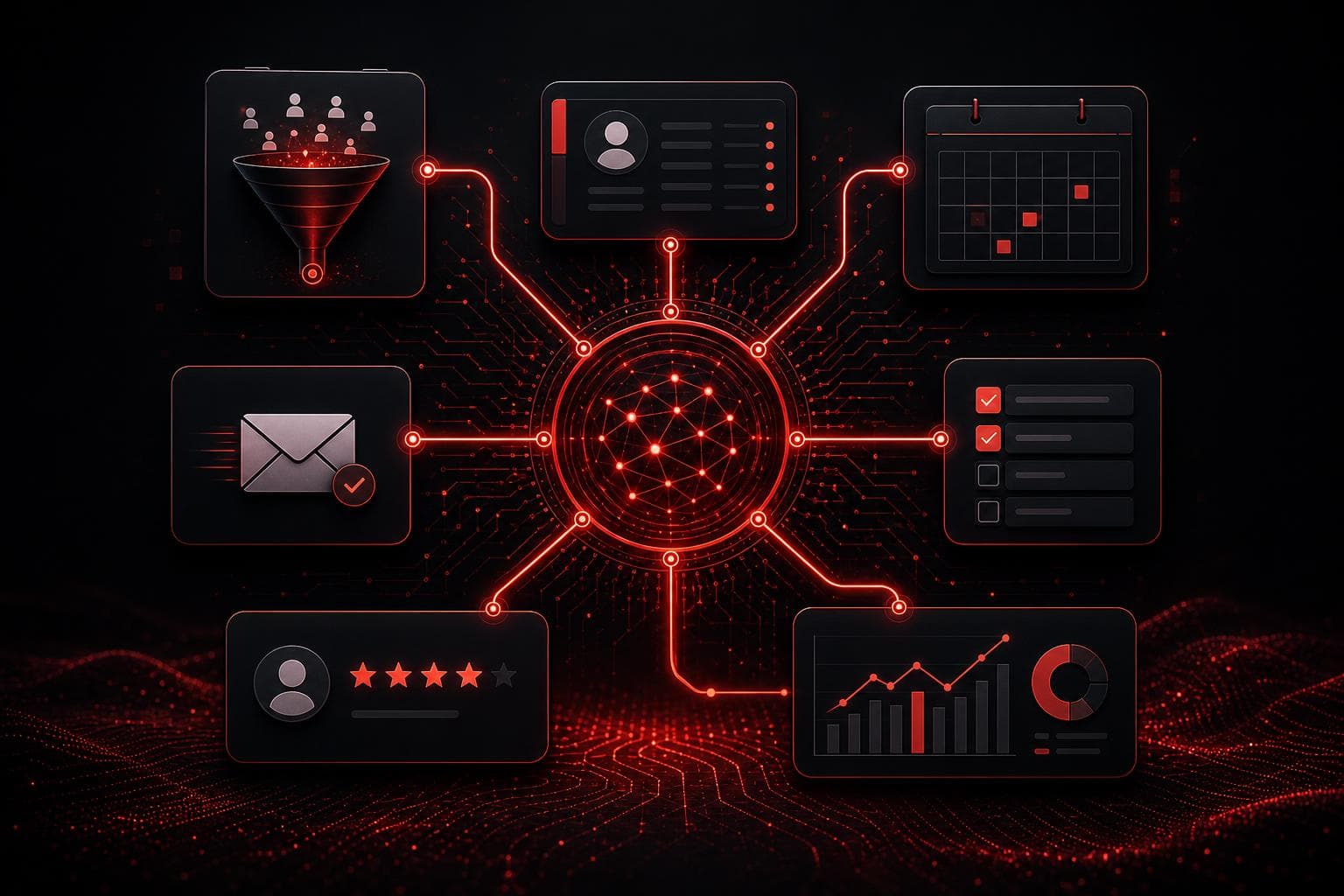
Small business workflow automation should remove repetitive handoffs without hiding the decisions that still need an owner. The goal is not to automate every click. It is to build a dependable path from a clear trigger—such as a new lead, booked appointment, or completed job—to the next useful action.
That distinction matters. A complicated automation can create more cleanup than it saves. A well-designed one reduces response time, keeps records consistent, and gives the team a short exception list instead of another dashboard to babysit.
Quick Summary
- Start with one measurable bottleneck, not an all-in-one transformation project.
- The strongest early wins are lead capture, follow-up, scheduling, task routing, reviews, and reporting.
- Keep a person responsible for exceptions, sensitive messages, pricing, and customer decisions.
- Use one source of truth for each important field, then let automations move work around it.
- Measure response time, completion rate, corrections, and revenue impact before expanding.
Table of Contents
- What small business workflow automation means
- Seven practical workflows to build
- How to choose the first workflow
- A simple implementation plan
- Pros, cons, and common mistakes
- Frequently asked questions
What Small Business Workflow Automation Means
A workflow is a repeatable sequence with a trigger, inputs, rules, actions, and an outcome. Automation handles the predictable parts of that sequence. For example, a website form can create a contact, send an acknowledgement, notify the correct salesperson, and start a response timer without anyone copying information between systems.
The business still owns the process. Someone must decide which records are authoritative, what happens when data is missing, and where human judgment belongs. If a prospect asks for a custom price, an automation should route that request to the right person—not invent a quote because the workflow has reached its final step.
In my work building automations for service businesses, the highest-value improvements are rarely the flashiest. They are the small, reliable connections that prevent leads from sitting untouched, appointments from being forgotten, and completed jobs from disappearing before a review request is sent. That practical reliability is the standard I use below.
If you need a broader foundation before selecting tools, start with our business automation guide. It explains how to separate deterministic workflows from tasks that genuinely benefit from AI.
Seven Small Business Workflow Automation Wins
1. Capture and route every new lead
A lead should enter one system of record with the original source, contact details, service interest, consent status, and timestamp intact. The automation can then assign the lead by territory, service type, schedule, or another explicit rule.
A useful lead-routing workflow also handles failure. It should flag missing phone numbers, reject obvious spam, prevent duplicate contacts, and alert an owner when no routing rule matches. A silent failure is worse than a manual process because everyone assumes the system handled it.
For businesses that want lead capture, pipelines, messaging, calendars, and workflow logic in one platform, GoHighLevel can reduce the number of connections required. It is not automatically the right choice for every team, but consolidating the core lead path can simplify ownership and troubleshooting.
2. Send immediate acknowledgement and timed follow-up
Speed matters when a prospect is comparing providers. An immediate acknowledgement can confirm that the request arrived, set expectations, and tell the prospect what information will help the next conversation.
The acknowledgement is not a substitute for a real response. Build a timer that checks whether a person has followed up within the agreed service level. If not, escalate the lead or create a task. This gives management a measurable response process instead of relying on inbox vigilance.
For a deeper model, see the automated lead follow-up system, including how to stop sequences when a prospect replies or books.
3. Coordinate scheduling and reminders
Scheduling automation can offer the right calendar, enforce buffers, collect qualifying information, create the appointment record, and send reminders. It can also notify the assigned team member when the booking includes an unusual request.
Do not let the calendar become a separate island. The appointment should connect to the contact and opportunity record so the business can see who booked, which campaign generated the lead, and what happened next. After cancellation or no-show events, use a defined recovery sequence rather than leaving the record in limbo.
4. Create tasks from business events
Many tasks should begin when something changes, not when someone remembers to create them. A signed proposal can trigger onboarding tasks. A completed site visit can request an estimate. A payment failure can notify billing. A support message containing a defined risk term can route to a senior owner.
Each generated task needs four things: a clear action, an owner, a deadline, and the source record. Avoid vague tasks such as “check customer.” Write the expected action—“Review the photos and send the estimate by 3 p.m.”—so completion can be verified.
5. Standardize customer onboarding
Once a deal closes, automation can create the project, copy approved scope details, request missing assets, schedule kickoff, and send the customer a concise next-step message. This reduces the awkward gap between “yes” and visible delivery.
The workflow should not copy every sales note into every system. Define the minimum information needed for delivery and map each field deliberately. If the signed agreement and CRM disagree, stop and surface the conflict rather than choosing whichever value is easiest to access.
6. Request and respond to reviews
A completed, successful service event can trigger a review request after an appropriate delay. The message should come from the business, identify the service, and make the action easy. If the customer reports a problem instead, route it to recovery rather than continuing to ask for a public review.
Review automation works best when it reflects the real customer journey. Sending the same message to canceled, unresolved, and delighted customers is not automation maturity; it is a missing decision rule.
7. Build an exception-focused operations report
Owners do not need another daily export of everything that happened. They need the exceptions: leads without responses, appointments without outcomes, overdue estimates, failed payments, stalled opportunities, and automations that encountered errors.
Create a short report with links back to the source records and a named owner for each exception. This is where AI can help summarize context, but deterministic checks should identify the underlying conditions. Our guide to Hermes Agent for business automation explains how an agent can prepare internal briefs while keeping permissions and approval boundaries narrow.
How to Choose Your First Workflow
Start where delay or rework has a visible cost. Interview the person doing the work and look for repeated phrases: “I have to copy this,” “I check this every morning,” “we sometimes miss that,” or “only one person knows how to do it.” Those are workflow candidates.
Score each candidate on four factors:
- Frequency: How often does the process occur?
- Impact: What does a delay, error, or missed handoff cost?
- Predictability: Can the normal path and exceptions be described clearly?
- Safety: Can the first version be reversible and reviewed?
A frequent, predictable, low-risk workflow is a stronger starting point than an impressive process involving payments, legal commitments, or unsupervised customer messages. The first project should create confidence and evidence, not merely demonstrate technical possibility.
A Five-Step Implementation Plan
Step 1: Map the current process
Write the trigger, required inputs, decisions, actions, owner, and definition of completion. Include the messy cases. If the team cannot agree on what happens today, technology will not resolve the disagreement.
Step 2: Choose the source of truth
Name the authoritative system for contacts, appointments, opportunities, tasks, and financial records. Avoid two-way syncing unless there is a real requirement and a conflict policy. Most small businesses benefit from fewer masters, not more connections.
Step 3: Build the minimum useful path
Automate one normal path and one or two important exceptions. Add logging so you can see when the workflow started, which record it touched, and whether it completed. Use test contacts before connecting live customer actions.
Step 4: Add human checkpoints
Keep approval before custom pricing, sensitive replies, contract changes, refunds, deletions, and other high-impact actions. A checkpoint can be fast: a task with the relevant context and approve/reject choices is often enough.
Step 5: Measure and improve
Track time to first response, completion rate, manual corrections, exception volume, and downstream revenue or retention. Review failures weekly during the first month. Expand only when the workflow is stable and the next addition has a clear benefit.
If you want help mapping the process and choosing the smallest viable system, book an automation strategy call. We can identify the bottleneck, decision boundaries, and tool requirements before implementation begins.
Pros, Cons, and Common Mistakes
Pros
- Faster response: Triggers can start the next action immediately.
- More consistent records: Deliberate field mapping reduces copy-and-paste errors.
- Visible accountability: Every handoff can have an owner and deadline.
- Better customer experience: Confirmations, reminders, and next steps arrive when expected.
- Scalable operations: The team can handle more volume without adding the same amount of administration.
Cons
- Setup requires process work: Buying software does not define the workflow.
- Integrations need maintenance: APIs, permissions, fields, and business rules change.
- Bad logic scales quickly: An incorrect rule can affect every new record.
- Overautomation feels impersonal: Not every customer interaction should be a sequence.
- Ownership can become unclear: Someone must monitor failures and approve changes.
The most common mistake is building too much before measuring one complete path. Another is treating an automation run as proof of a business outcome. A “success” log does not prove a customer received the right message, a salesperson responded, or a task was completed. Verify the outcome at the system of record.
Frequently Asked Questions
What is the best first automation for a small business?
Lead acknowledgement and response tracking are often strong first choices because the trigger is clear, the benefit is measurable, and a person can remain responsible for the real sales conversation. If lead volume is low, choose another frequent administrative bottleneck with a predictable outcome.
How much does small business workflow automation cost?
Cost depends on the number of tools, workflow complexity, data cleanup, message volume, and ongoing support. A consolidated platform may reduce integration work, while specialized tools can be better when the business already has a mature system of record. Compare total ownership, not only the monthly subscription.
Should I use AI in every automated workflow?
No. Use rules for predictable actions such as creating records, setting deadlines, checking required fields, and sending approved templates. Use AI when a bounded step requires classification, extraction, or summarization—and review its output before high-impact actions.
How do I keep an automation from sending the wrong message?
Use approved templates, explicit eligibility rules, test records, stop conditions, and a human review step for sensitive cases. Log the source data and final recipient. Never assume a workflow is safe because it worked once.
When should I replace an automation?
Replace or simplify it when maintenance exceeds the value, the underlying process has changed, the source system no longer supports reliable access, or a newer platform can remove fragile connections. Keep a documented manual fallback for business-critical workflows.
Final Takeaway
Small business workflow automation is valuable when it makes the next action faster, clearer, and easier to verify. Start with one costly bottleneck, keep authoritative data and human decisions explicit, and measure the real outcome. Seven simple, dependable workflows will outperform one sprawling automation that nobody fully owns.