
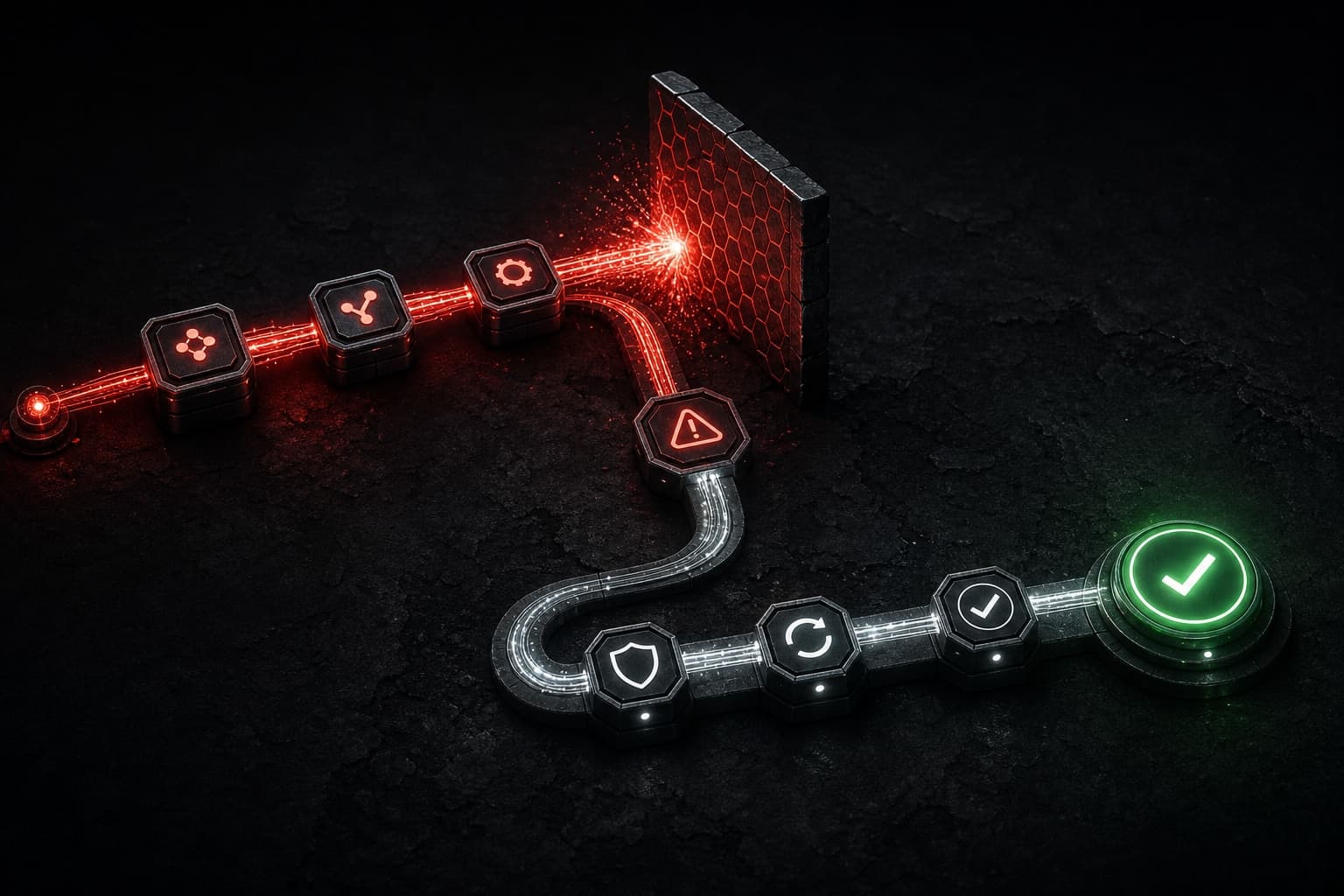
Make error handling is what keeps an otherwise helpful automation from quietly creating a business problem. A scenario can fail because an API is temporarily unavailable, a required field is missing, a rate limit is reached, or data arrives in a shape nobody expected. The responsible goal is not to make every error disappear. It is to make each failure visible, contained, and recoverable by the right person.
Quick Summary
- Map the business consequence of each failure before adding a handler.
- Use handlers to choose a deliberate outcome: retry, route around a nonessential step, queue for review, or stop safely.
- Preserve enough context to investigate the failed bundle without exposing sensitive data in alerts.
- Separate temporary third-party trouble from invalid or incomplete business data.
- Test predictable failure paths with controlled records before activating a scenario.
- Monitor exceptions and incomplete work, not just successful runs.
- Keep a human owner and a rollback path for consequential workflows.
Table of Contents
- Why Make error handling deserves design time
- Classify the failure before choosing a response
- Build a practical recovery pattern
- Use retries and error handlers deliberately
- Make alerts useful to humans
- Test the failure paths before launch
- Honest pros and cons
- FAQs
Why Make Error Handling Deserves Design Time
A workflow is only as reliable as its behavior when one of its assumptions breaks. A lead-routing scenario may successfully capture a form submission but fail while creating a CRM record. An order workflow may charge ahead even though an address-validation step failed. A reporting scenario may skip one source, then produce a dashboard that looks complete but is not.
Make provides scenario tools for handling errors and reviewing incomplete executions. Its current Help Center explains that error handlers can be attached to modules to direct what happens after an error, while incomplete-execution tools can preserve failed work for later attention. Ask: what is the least harmful outcome if this step fails? For noncritical enrichment, it may be acceptable to record the gap and continue; for a payment, compliance, inventory, or customer communication, stop and route the record for review.
That mindset also makes automation easier to explain. If you are still learning the platform basics, start with the Make.com tutorial for beginners. For a broader way to identify risky handoffs before building, use an AI automation audit.
Classify the Failure Before Choosing a Response
Not every red error bubble means the same thing. Classifying the failure reduces both overreaction and accidental data loss.
Temporary service or network issue
An upstream service can time out, return a transient server error, or enforce a rate limit. A limited retry may be appropriate when repeating the request is safe and the destination can tolerate it. However, do not assume every action is idempotent. Retrying a request that creates a payment, sends a message, or adds a record can create duplicates if the first request actually succeeded but the response was lost.
Invalid or incomplete data
A required email address may be blank, a date may be malformed, or a field may contain an unexpected value. Retrying unchanged data usually wastes operations and delays discovery. Route these records to a review queue with a precise reason, then fix the upstream form, mapping, or validation rule that caused the defect.
Authentication or permission issue
Expired credentials and changed permissions often block an entire workflow family. These are operational incidents, not record-level exceptions. Alert the workflow owner promptly, pause consequential paths when needed, and restore access through the approved account process rather than sharing credentials in a scenario note or chat message.
Build a Practical Recovery Pattern
A useful Make error-handling design has five parts: name the business event, preserve a stable source-record ID, choose a recovery route, record the outcome, and assign an accountable owner. A notification without ownership is only noise.
For example, imagine a website lead should be added to a CRM and assigned to a sales owner. If the CRM is unavailable, keep the lead identifier, mark the attempted handoff as pending, and notify the operations owner with a link to the original record. When the CRM returns, replay or reprocess only the records that are safe to create. If the email field is invalid, skip the CRM call, label the record for review, and improve validation at the source.
This approach is more reliable than using an ignore-style route everywhere. Continuing after an error can be appropriate only when the failed module is genuinely optional and the next action still has accurate inputs. Treat “continue” as a business decision, not a way to make a scenario look healthy.
Use Retries and Error Handlers Deliberately
Make’s error-handler documentation is the source of truth for the handlers and behavior available in your account. Build from the current documentation rather than copying an old screenshot or a borrowed template.
A retry is strongest when all three conditions are true:
- The failure is plausibly temporary.
- Repeating the action will not create an unwanted duplicate or side effect.
- The scenario has a bounded retry policy and a clear fallback when attempts are exhausted.
For an API lookup that reads data, a small retry window may be reasonable. For an action that sends a customer email, create a CRM record, or triggers a charge, use a stable external ID or another approved deduplication control before you retry. If you cannot prove that a repeat is safe, stop and surface the record for review.
Use an error handler close to the module where the business decision belongs. A catch-all handler at the end of a long scenario can lose important context and make every failure look the same. Keep handlers narrow: one for a nonessential enrichment lookup, another for CRM creation, and another for a delivery action when those steps need different outcomes.
Make also documents incomplete executions. For workflows that must not silently drop work, establish an operating routine for reviewing those records, deciding whether to resolve, replay, or close them, and documenting the reason. An incomplete queue is not a substitute for fixing recurring root causes.
Make Alerts Useful to Humans
An alert should help someone act without becoming a copy of every technical log line. Include only the minimum operational context:
- Scenario name and the module or step that failed
- A stable record ID or a link to the approved system of record
- Failure category: temporary service issue, data issue, access issue, or business exception
- Timestamp and whether an automated retry is still pending
- The safe next action and accountable owner
Avoid putting passwords, access tokens, full payment details, or unnecessary customer data into messages. A notification channel is often less controlled than the CRM or the system that holds the original data. Link to the source record where an authorized teammate can inspect details safely.
Set an alert threshold that matches the risk. A single nonessential enrichment failure might enter a daily review queue. A burst of authentication failures or a stopped lead handoff needs faster escalation. The goal is a manageable signal, not a channel that everyone learns to mute.
If you want help mapping ownership, escalation, and exception queues across a larger process, book a strategy call. We can identify the automation steps where a silent failure would matter most before expanding the workflow.
Test the Failure Paths Before Launch
A happy-path test proves that the first run can work. It does not prove that your automation is safe to operate. Before enabling a consequential scenario, use controlled records to test the paths you expect:
- A normal record with complete, valid data
- A record missing one required field
- A repeat record that tests deduplication behavior
- A temporary unavailable or simulated failing destination, where safe
- A record that must be routed for manual review
- A record that should stop before a customer-facing or financial action
Confirm the record status, alert contents, owner assignment, and source-system trail for each case. Check that a retry does not duplicate the customer-facing action. Confirm that a reviewed record can be resolved using documented steps. Then write a brief runbook: scenario owner, expected schedule or trigger, affected systems, recovery queue, pause procedure, and change history.
The related n8n error-handling workflow recovery guide shows the same broader operating principle: failures need explicit paths and accountable recovery, regardless of the automation platform.
Honest Pros and Cons
Pros
- Visual decisions are easier to audit: A scenario can show where an error is handled and what route follows it.
- Recovery can be tailored to the step: Optional enrichment, record creation, and customer delivery do not need the same response.
- Incomplete work can be surfaced: Teams can build a deliberate review process rather than losing failed records in a run history.
- More resilient operations: Clear exception paths reduce the chance that a temporary API problem becomes a customer problem.
Cons
- Handlers can hide bad design: Ignoring every error may make a dashboard look clean while business records are incomplete.
- Retries can multiply side effects: Without idempotency or deduplication, a repeat may create duplicates, messages, or charges.
- Exception queues need ownership: A queue without an accountable reviewer becomes a second place for work to disappear.
- More routes require documentation: Complex scenarios are difficult to maintain when the intended recovery behavior exists only in one builder’s memory.
Make is a strong option when a team needs visual, cross-app workflow design and is willing to operate the exceptions it creates. It is a poor fit when the organization expects automation to eliminate judgment, monitoring, or process ownership.
E-E-A-T: A Practitioner’s Operating Standard
This article reflects Stephen Gardner’s experience designing and reviewing business automation workflows. It is not a guarantee that a particular handler, retry policy, or scenario configuration will be right for every system.
Use Make’s current documentation and your account’s available controls as the technical source of truth. Use the underlying business process as the operational source of truth. Test with controlled records, preserve an audit trail, avoid exposing sensitive data in alerts, and have a named human owner before a workflow can affect customers, money, compliance, or commitments.
FAQs
What is Make error handling?
Make error handling is the deliberate design of what a scenario does after a module fails. Depending on the failure and business risk, that can mean retrying a safe action, continuing without an optional result, preserving a record for review, or stopping the workflow.
Should every Make error retry automatically?
No. Retry only when the issue is plausibly temporary and repeating the action is safe. Customer messages, payments, and record-creation actions can duplicate if the first request succeeded but its response was uncertain. Use a stable identifier or a manual-review path when safety is unclear.
What should go in an automation failure alert?
Include the scenario and failed step, stable record reference, failure category, timestamp, retry state, owner, and next action. Keep credentials, tokens, and unnecessary customer details out of the alert; link to the approved system of record instead.
How do incomplete executions fit into recovery?
For workflows that cannot safely drop work, incomplete executions can provide a reviewable record of the failed item. The team still needs a documented process to resolve, replay, or close records and to address repeated root causes.
Can I ignore an error in Make?
You can choose to continue after an error when the failed result is genuinely nonessential and later steps still have accurate inputs. Do not use an ignore-style path merely to remove visible errors. For consequential actions, preserve the record and use a review or stop path instead.