
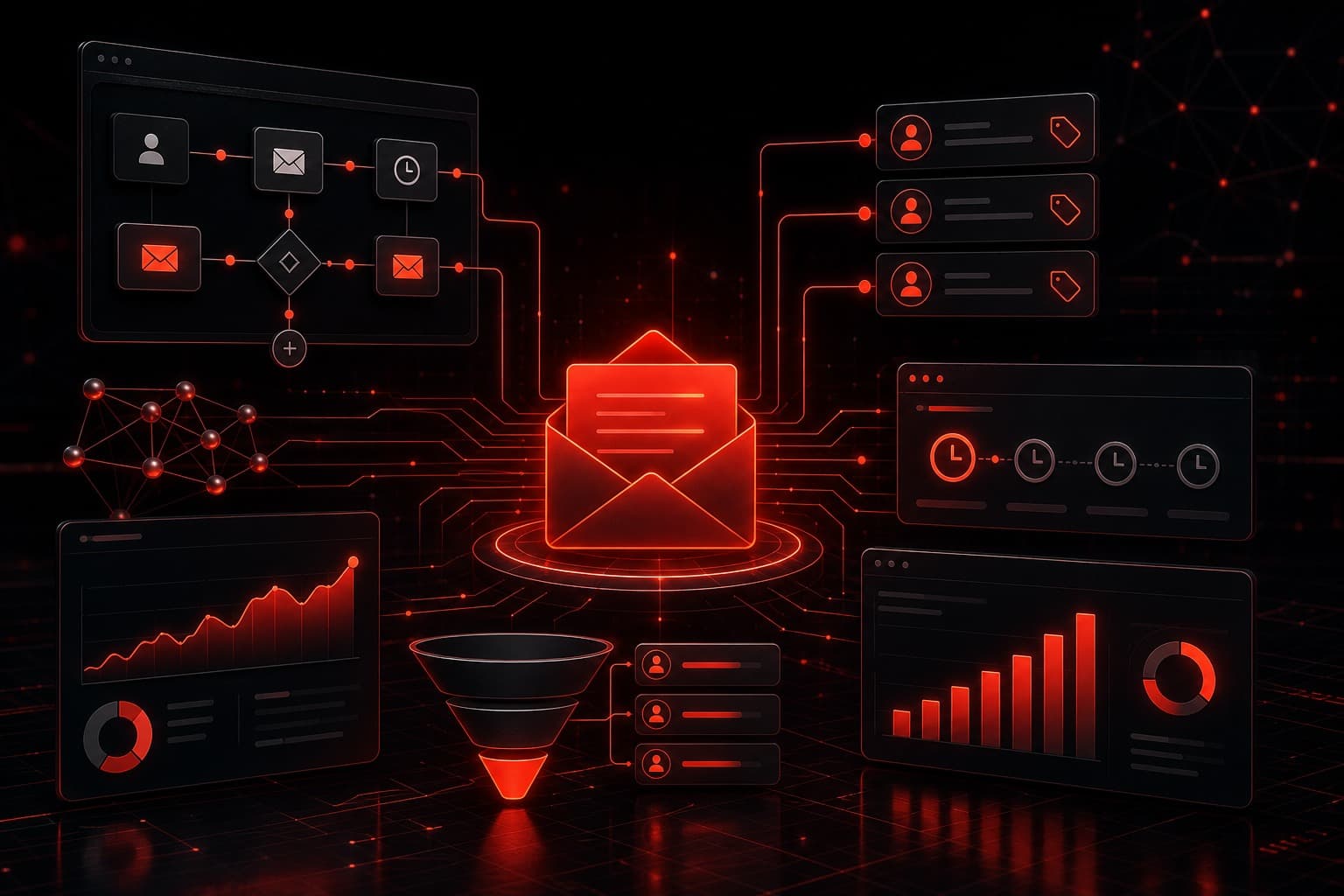
Kartra email marketing works best when it supports a clear customer journey rather than becoming a maze of tags, delays, and clever branches. The platform can connect forms, email sequences, product activity, and segmentation in one system, but the tool does not decide what your audience needs or when a person should step in.
I have built and reviewed marketing automations across client funnels, and the same operating lesson keeps showing up: a small, observable sequence usually creates more value than an elaborate workflow nobody can explain. This guide shows how to build that smaller system first, test it safely, and expand only when the evidence supports it.
Quick Summary
- Start with one outcome, such as delivering a lead magnet or helping a new buyer get value.
- Define consent, entry rules, exit rules, and human ownership before building emails.
- Use a small tag vocabulary and document what each tag means.
- Write sequences around customer questions, not around how many emails you want to send.
- Test timing, links, exclusions, and purchase behavior with controlled contacts.
- Measure useful actions and replies, not opens alone.
- Kartra can consolidate a marketing stack, but specialists may offer deeper email controls.
Table of Contents
- What Kartra email marketing is good at
- Map the journey before the sequence
- Build a clean tagging system
- Create a useful first automation
- Test before sending real traffic
- Measure and improve the workflow
- Honest pros and cons
- FAQs
What Kartra Email Marketing Is Good At
Kartra is designed as an all-in-one platform. Email sits near pages, forms, checkouts, memberships, and other customer activity instead of living in a separate app. That proximity is the main advantage: a business can design a journey in which a subscriber requests a resource, receives an appropriate sequence, purchases an offer, and exits promotional follow-up without relying on several external connectors.
Kartra’s own email marketing and automation workshop emphasizes sequences, automation, testing, analytics, and deliverability practices. Those are useful capabilities, but they still require a sound message and responsible operating rules. An automated email sent at the wrong moment is still the wrong email.
If you are still deciding whether the platform fits your budget, read the Kartra pricing guide. If the real decision is between a creator-focused platform and an agency CRM, the Kartra vs. GoHighLevel comparison explains the difference in operating models.
Map the Journey Before the Sequence
Do not start in the visual builder. Start with a one-page journey map that answers five questions:
- What starts the workflow? A form submission, purchase, registration, or another explicit action should create a clear entry point.
- What did the person expect? The first message should fulfill the promise made at signup.
- What useful outcome should happen next? Examples include consuming a resource, booking a call, completing onboarding, or making an informed product decision.
- What ends the workflow? A purchase, unsubscribe, reply, disqualification, or completion event may need to stop or change the sequence.
- Who owns exceptions? Someone must handle replies, failed payments, support questions, and contacts who should not stay in automation.
This step prevents a common failure: building a seven-email campaign without defining why each email exists. Instead, assign one job to every message. An email might deliver the promised resource, answer the most common implementation question, share a relevant example, explain a trade-off, or offer a logical next step.
The sequence should also respect consent. Use the expectation established on the form or checkout, preserve unsubscribe handling, and avoid moving contacts into unrelated promotions merely because the software makes it easy. If your list includes different regions or regulated audiences, get appropriate legal guidance for your specific obligations.
Build a Clean Tagging System
Tags are useful when they describe facts. They become dangerous when they turn into a second, undocumented database.
A practical system can begin with three tag groups:
- Source tags: where the contact entered, such as a specific guide, webinar, or campaign.
- Interest tags: what the contact explicitly requested or meaningfully engaged with.
- Lifecycle tags: a small set of states such as lead, active customer, past customer, or partner.
Use names a new team member can understand without opening the automation. Document who creates each tag, which workflows use it, and when it should be removed. Avoid creating nearly identical tags for every small campaign variation.
More importantly, do not treat a tag as permission to make assumptions. A person who downloaded one guide has shown interest in that guide; they have not necessarily asked for every campaign your company sends. Tags should improve relevance and exclusions, not justify more volume.
Create a Useful First Automation
A lead-magnet delivery sequence is a good first Kartra email marketing workflow because the promise and outcome are easy to observe.
Step 1: Confirm the entry event
Use the relevant form submission as the entry point. Confirm that the form language matches the messages you plan to send and that required consent records are available for your use case.
Step 2: Deliver the promised item immediately
The first email should make the requested resource easy to access. Keep the subject and call to action direct. Do not hide the promised item beneath a long sales pitch.
Step 3: Add one helpful follow-up
Send a short implementation note that helps the subscriber use the resource. This is where practitioner experience is valuable: explain a common mistake, a practical first step, or the decision that usually prevents wasted setup time.
Step 4: Offer a relevant next step
If the subscriber’s problem aligns with a service or product, make one clear offer. The call to action should follow naturally from the material instead of manufacturing urgency. For example, a reader evaluating an all-in-one marketing stack may benefit from the Kartra vs. ClickFunnels comparison before choosing a platform.
Step 5: Define exits and suppression
A purchase should usually remove a person from sales messages for the product they already bought. An unsubscribe must stop applicable marketing. A reply may need to create a human task or move the contact to a review queue. Existing customers may require an entirely different journey.
Once this compact version works, you can add a branch based on a meaningful event. Resist branching on every open or click. Privacy protections and automated scanning can make those signals noisy, while a purchase, completed form, or direct reply usually provides stronger context.
Test Before Sending Real Traffic
Testing is not clicking “preview” once. Create controlled contacts that represent the major paths through the workflow:
- A new subscriber who takes no further action
- A subscriber who clicks the main resource
- A contact who purchases during the sequence
- An existing customer who should be excluded
- A contact who unsubscribes
- A contact who replies and needs a human response
Check the message copy, sender identity, links, timing, tags, exclusions, and mobile rendering. Verify that a person cannot enter the same sequence repeatedly unless that behavior is intentional. Confirm that purchases and unsubscribes stop the correct messages.
I also recommend writing a short activation checklist with the workflow owner, date, entry event, exit rules, and rollback action. If the automation behaves unexpectedly, the team should know how to pause it and identify affected contacts without reverse-engineering the whole setup under pressure.
Measure and Improve the Workflow
Open rate can provide directional context, but it should not be the primary definition of success. Privacy features, image loading, and mailbox behavior can distort opens. Use measurements tied to the job of the sequence:
- Was the promised resource delivered successfully?
- Did qualified contacts take the intended next step?
- Did helpful emails generate useful replies?
- Did purchase exclusions prevent contradictory promotions?
- Did complaint and unsubscribe patterns stay within your acceptable range?
- Did the sequence reduce manual work without reducing customer clarity?
Review the workflow on a regular schedule and after any major offer, form, or product change. Change one variable at a time when possible. If you rewrite the offer, timing, segmentation, and subject lines simultaneously, you will not know what improved or damaged the result.
For teams that want an outside view before committing to a platform or workflow, book a strategy call. We can map the process, identify the highest-risk handoffs, and decide whether Kartra should own the workflow or connect to a more specialized tool.
Honest Pros and Cons
Pros
- Connected customer context: Pages, forms, email, and product activity can live closer together than in a heavily fragmented stack.
- Fewer integration failure points: A native workflow may reduce the connectors required for a straightforward funnel.
- Practical segmentation: Tags and sequence rules can support more relevant follow-up when the underlying definitions are clean.
- Simpler ownership: A small team may find one operating environment easier to document and maintain.
Cons
- All-in-one does not mean best-in-class: A dedicated email platform may provide deeper deliverability, analytics, or testing controls for advanced teams.
- Automation complexity still grows: Too many tags and branches can make an integrated system just as difficult to manage as a multi-tool stack.
- Migration takes work: Consolidating into Kartra requires careful list hygiene, consent records, templates, and workflow testing.
- Platform fit depends on the business: A creator selling digital products has different needs from an agency managing multiple client accounts.
Kartra is most compelling when consolidation makes the customer journey easier to operate. It is less compelling when the business needs specialized email infrastructure or when the team has not yet defined its offer, consent practices, or follow-up process.
If you decide the platform fits, you can explore Kartra through our partner link. Automation Warrior may earn a commission at no extra cost to you. The recommendation is to evaluate the workflow requirements first, then use the trial period to test the exact journey you intend to run.
E-E-A-T: A Practitioner’s Operating Standard
This guide reflects Stephen Gardner’s experience building and reviewing automation systems for business workflows. It is an operating framework, not a promise that a particular sequence will produce revenue or that every Kartra account exposes identical settings.
Use Kartra’s current product documentation and your account configuration as the source of truth for feature availability. Use your own consent records, customer expectations, offer data, and support capacity as the source of truth for the workflow. Test with controlled records, name a human owner, and document the rollback before activating automation for real contacts.
FAQs
Can Kartra handle email marketing without another platform?
For many creator and small-business funnels, Kartra can handle forms, segmentation, broadcasts, sequences, and connected product activity in one environment. A business with advanced deliverability operations, complex data requirements, or specialized experimentation may still prefer a dedicated email platform.
What should my first Kartra email automation be?
Start with a workflow that has an explicit promise and an observable finish, such as delivering a requested resource or onboarding a new buyer. Keep the first version short, define exits, and test the major paths before adding behavioral branches.
How many emails should a Kartra sequence include?
There is no universally correct number. Include only the messages needed to fulfill the promise, answer important questions, and offer a relevant next step. A useful three-message sequence is better than a seven-message sequence padded to meet an arbitrary schedule.
Should I automate based on email opens?
Treat opens as a weak directional signal, not definitive evidence of intent. Privacy protections and mailbox behavior can affect tracking. Purchases, completed forms, direct replies, and other explicit actions usually provide stronger context for consequential automation.
Is Kartra better than GoHighLevel for email automation?
Kartra often fits creators, coaches, and digital-product businesses that want email connected to pages, checkouts, and memberships. GoHighLevel is commonly evaluated by agencies and local-service operators that need CRM pipelines, account structures, and broader communication workflows. Choose based on the operating model, not one feature list.