
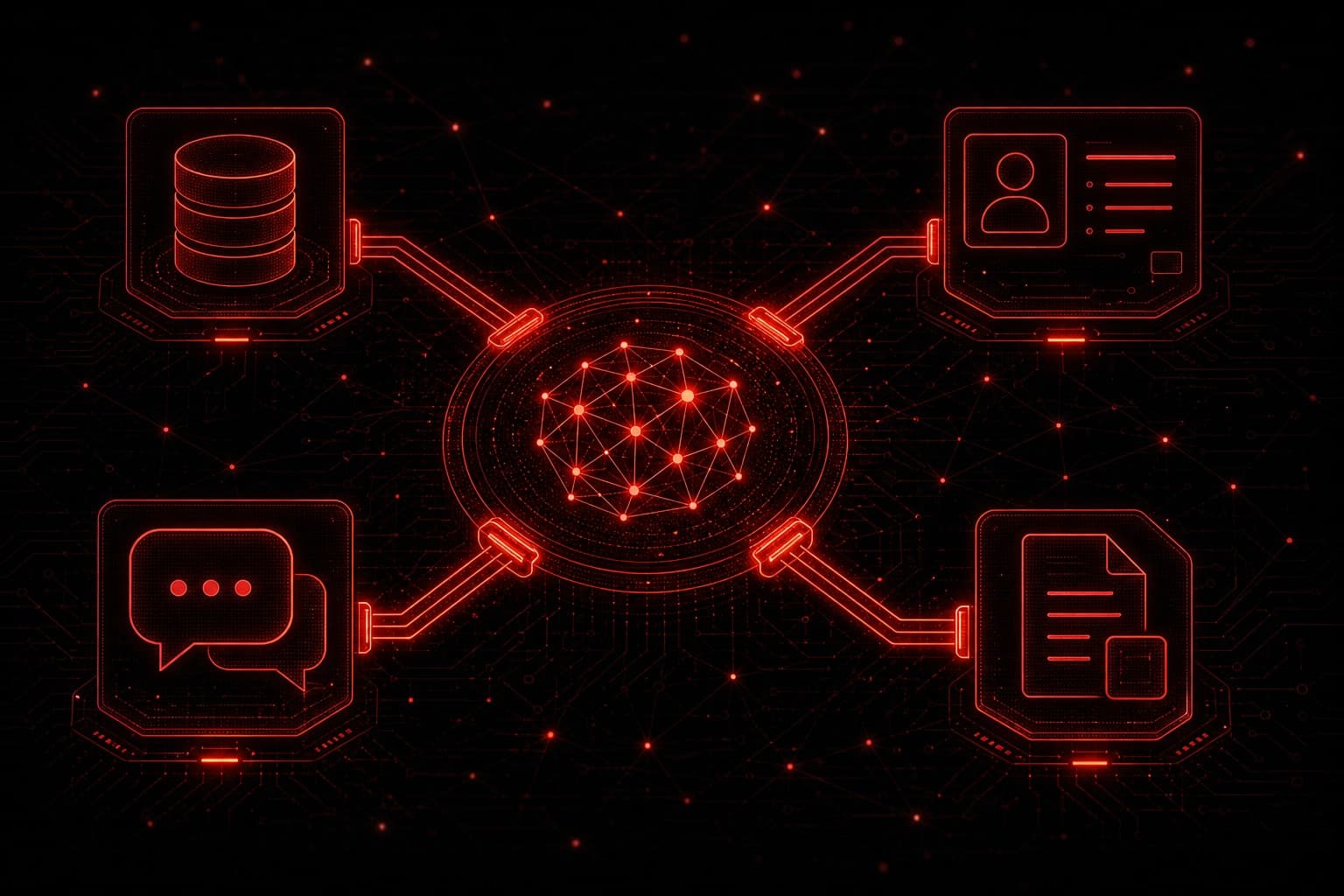
Claude MCP is the reason Claude can read your issue tracker, query your database, or update a CRM record instead of waiting for you to copy and paste the data in. MCP — short for Model Context Protocol — is the open standard Anthropic published so an AI model can connect to outside tools and data through one consistent interface instead of a different custom integration for every product.
I run Claude-based agents inside my own agency's operations, and MCP is the piece that turned those agents from chat windows into systems that can actually touch our tools. This guide covers what Claude MCP is, how it works, how it compares to workflow platforms like n8n and Zapier, and where it realistically fits a small business automation stack today.
Quick Summary
- Claude MCP (Model Context Protocol) is Anthropic's open standard for connecting an AI model to outside tools and data through one consistent interface.
- It replaces custom, per-tool integrations with a shared protocol that any MCP-compatible AI client can use.
- MCP is an access layer, not a workflow engine — pair it with n8n, Make, or Zapier for repeatable, high-volume processes.
- GoHighLevel does not publish an official MCP server as of this writing; reach GHL data through n8n, Make, or its API/webhook layer instead.
- Zapier ships an official MCP server exposing 9,000+ apps to Claude, ChatGPT, and other MCP clients.
- Scope every connected server narrowly, default to read-only, and review third-party servers before granting write access.
Table of Contents
- What Is Claude MCP?
- How Claude MCP Actually Works
- Claude MCP vs. Workflow Platforms Like n8n and Zapier
- Setting Up MCP in Claude Code
- Where Claude MCP Fits Your Automation Stack
- Common Claude MCP Mistakes
- Honest Limitations
- Frequently Asked Questions
What Is Claude MCP?
Model Context Protocol is an open-source standard, introduced by Anthropic on November 25, 2024, for connecting AI applications to external systems — data sources like local files and databases, tools like search or calculators, and predefined workflows.[1][2] Anthropic's own description is useful: think of MCP as a USB-C port for AI applications. Just as USB-C gives you one standard connector instead of a different cable for every device, MCP gives an AI model one standard way to talk to a tool, instead of a bespoke integration per tool.[2]
Before MCP, connecting a model to N different tools meant writing roughly N custom integrations, and every AI application that wanted the same tool had to write its own version again. MCP turns that into a shared protocol: a developer builds one MCP server for a tool, and any MCP-compatible AI client — Claude, ChatGPT, VS Code, Cursor, and others — can use it without a custom adapter.[2]
How Claude MCP Actually Works
MCP has three moving pieces:
- Host — the AI application itself, such as Claude Desktop, Claude Code, or a custom agent you built.
- Client — the connector inside the host that speaks the MCP protocol to a specific server.
- Server — a small program that exposes one tool, API, or data source (a CRM, a database, a file system, a ticketing app) using the MCP standard.
When you connect Claude to an MCP server, Claude gets a live list of that server's available tools and can call them mid-conversation — read a table, search a ticket queue, create a calendar event — and use the result to keep working. Anthropic ships ready-made servers for common systems including Google Drive, Slack, GitHub, Git, Postgres, and Puppeteer, and a much larger set of community and vendor servers exists beyond that list.[1]
Claude Code documents this plainly: connect a server "when you find yourself copying data into chat from another tool, like an issue tracker or a monitoring dashboard. Once connected, Claude can read and act on that system directly instead of working from what you paste."[3] That is the practical test I use with clients — if someone on the team is regularly copy-pasting from Tool A into a prompt, that is an MCP candidate.
Claude MCP vs. Workflow Platforms Like n8n and Zapier
MCP is not a replacement for n8n, Make, or Zapier, and I would not sell it to a client as one. The distinction that matters:
| MCP | n8n / Make / Zapier | |
|---|---|---|
| What it does | Gives an AI model live access to a tool during a conversation or agent run | Runs a defined, repeatable sequence of steps on a trigger |
| Best fit | Ad hoc, reasoning-heavy tasks — "check three systems and summarize the risk" | Deterministic, high-volume processes — "every new lead gets these five steps" |
| Who decides the next action | The model, in real time | The workflow designer, in advance |
In practice the two overlap more than they compete. Zapier itself now ships an official MCP server that exposes its catalog — Zapier lists over 9,000 connected apps and 30,000+ actions available through it — to any MCP-compatible AI client, explicitly including Claude, ChatGPT, and Cursor.[4] That means an AI agent can trigger a Zap through MCP, and a Zap can still run the same reliable, auditable automation it always has. My n8n AI agent workflows guide covers the deterministic side of that split in more depth — MCP is what widens what the reasoning side can reach.
GoHighLevel is the tool I get asked about most, and I want to be direct about it: as of this writing, GoHighLevel does not publish an official MCP server. If you want Claude to act on GHL data today, the practical path is the same one covered in my GoHighLevel automation workflows guide — route the connection through n8n or Make, or through GHL's own webhook and API layer, rather than waiting on native MCP support. If you are not yet on GoHighLevel and want the CRM and messaging backbone that makes this kind of stack possible, start a free GoHighLevel trial.
Setting Up MCP in Claude Code
For a technical team, adding an MCP server to Claude Code is a short list, not a project:
- Pick the tool you keep pasting from. A ticket tracker, a database, a design tool — the copy-paste test from above.
- Find or build the server. Check Anthropic's server directory and the vendor first; several major tools already publish one.
- Add it with the right scope. Claude Code supports local (just you, one project), project (shared with the team via config committed to the repo), and user (available across all your projects) scopes — pick the narrowest one that does the job.
- Choose the transport the server documents — local
stdioservers run as a subprocess on your machine; remote servers use SSE or HTTP and require a network connection and, usually, authentication. - Test with a real, low-risk request before connecting it to anything that writes data.
- Review before trusting. Anthropic's own guidance is to treat third-party MCP servers with the same scrutiny as any other code you would run — check the source, prefer official or well-known publishers, and avoid granting write access you have not verified.
Where Claude MCP Fits Your Automation Stack
For most of the small and mid-size businesses I work with, MCP earns its place in three spots:
- Internal research and reporting. Connect Claude to your database or analytics tool with a Postgres or similar MCP server so a manager can ask a direct question instead of waiting on a report.
- Engineering and content operations. Claude Code with GitHub, issue-tracker, and documentation servers connected turns "go read the ticket and fix it" into a task Claude can actually start on, with a human reviewing the result — the same operating model I cover in my Claude Code automation guide.
- Widening what an existing agent can reach. If you already run an AI agent layer on top of GoHighLevel, n8n, or Make, an MCP-connected server — through Zapier's catalog or a purpose-built server — can extend what that agent is allowed to look up without a new custom integration for every added system.
What I would not do yet: put an unreviewed, publicly listed MCP server in front of a system that can send money, delete records, or message customers without a human check. That is a scope and access-control problem, not an MCP-specific one, but MCP makes it easier to accidentally widen a model's reach, so the access review has to keep pace with how many servers get connected.
Common Claude MCP Mistakes
Connecting a server for capability you don't have a use case for yet. Every connected server is additional attack surface and additional context Claude might reference. Connect what today's task needs.
Granting write access by default. Start read-only wherever the server supports it, and add write scope deliberately once you trust the pattern.
Trusting an unfamiliar community server without checking it. MCP's openness is the point, but it also means anyone can publish a server. Prefer official vendor servers or ones from a publisher you can verify.
Treating MCP as a substitute for a workflow tool. A process that has to run the same way every time, on a schedule or trigger, belongs in n8n, Make, or Zapier — not in an ad hoc model-directed tool call.
Honest Limitations
MCP is still a young standard. Server quality varies — some vendor-built servers are well maintained, and some community servers are not. Native support for a given business tool (GoHighLevel among them) is not guaranteed and changes over time, so verify current server availability before you plan a build around it.
MCP also does not solve reliability or idempotency for you. If a connected server lets Claude create a record, the same duplicate-action risks that apply to any automation apply here — my n8n webhook security guide covers the underlying idempotency pattern, and it is worth applying the same discipline to MCP-connected write actions.
Finally, this is a fast-moving space. Recheck the official MCP documentation and your vendor's current server list before committing production access, especially for tools that touch customer data or payments.
Frequently Asked Questions
What is Claude MCP in simple terms?
Model Context Protocol is an open standard that lets Claude connect to outside tools and data — like a database, a CRM, or a ticket tracker — through one consistent interface instead of a custom integration for each system.
Who created MCP?
Anthropic developed and published MCP as an open-source standard, introduced on November 25, 2024. It has since been adopted beyond Anthropic's own products, with support from AI clients including ChatGPT, and developer tools including VS Code and Cursor.[1][2]
Does GoHighLevel have an official MCP server?
Not as of this writing. Claude can still reach GoHighLevel data today through n8n, Make, or GHL's own API and webhook layer, the same pattern covered in the GoHighLevel automation workflows guide.
Is Claude MCP the same as a Zapier integration?
No, but they connect well. Zapier publishes its own official MCP server, giving MCP-compatible clients like Claude access to Zapier's app catalog, so an MCP-enabled agent can trigger a Zap as one of its available tools.[4]
Is MCP safe to connect to production business systems?
It can be, with the same access-control discipline you would apply to any integration: scope servers narrowly, default to read-only, review third-party servers before trusting them, and keep write access away from unreviewed connections.
Do I need MCP if I already use n8n or Make?
Usually yes, for different work. Keep your repeatable, high-volume processes in n8n or Make. Add MCP where you want an AI agent to reason across systems in real time rather than follow a fixed sequence.
Final Takeaway
Claude MCP solves a real integration problem — it gives Claude one standard way to reach your tools instead of a custom build for each one — but it is an access layer, not a replacement for the workflow automation you already rely on. Use it to widen what your AI agent can see and do, keep write access narrow, and let n8n, Make, or GoHighLevel keep handling the processes that need to run the same way every time.
If you want help mapping which systems belong behind MCP, which belong in a workflow platform, and where the access controls need to sit, book a strategy call.
Sources
[1] https://www.anthropic.com/news/model-context-protocol — Anthropic: Introducing the Model Context Protocol
[2] https://modelcontextprotocol.io — Model Context Protocol: official documentation
[3] https://code.claude.com/docs/en/mcp — Claude Code Docs: Connect Claude Code to tools via MCP
[4] https://zapier.com/mcp — Zapier: Zapier MCP